
Framer TikTok Feed: Add Your Clips to a Page
A Framer TikTok feed keeps a creator portfolio or a brand landing page stocked with the newest short videos, with no re-exporting and no manual uploads. Link the account once, drop in one Embed layer, and every new post turns up by itself.
Checklist
- Permission to log into the TikTok account whose videos will be shown.
- Credentials for the ElectricBlaze dashboard, even on its no-cost tier.
- Publish rights on the project.
Uploading MP4 files into the canvas works for a hero clip, yet each new video would mean exporting, compressing and republishing. An embedded stream mirrors the account instead, and sister widgets for other networks work the same way.
Build the TikTok widget
Every option is covered in the short-video feed overview. The sequence:
-

Go to a.electricblaze.com. Existing users type their password, new ones register.
-
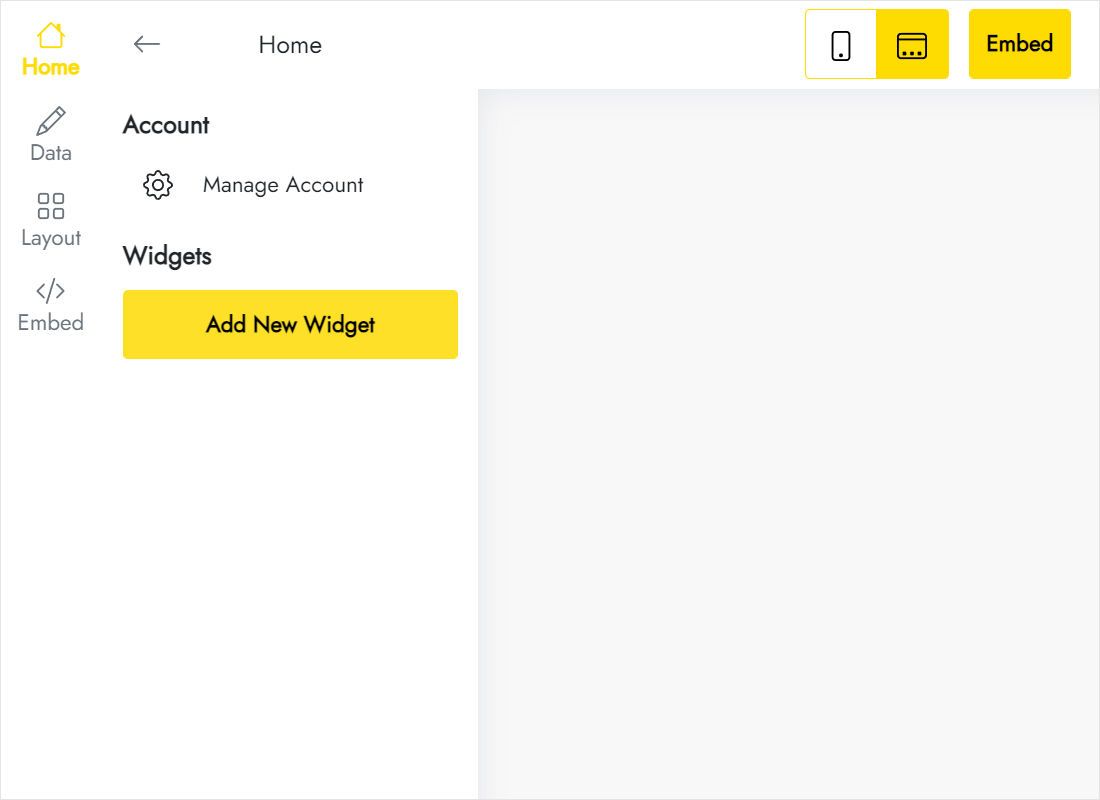
Start a project via Create New Widget and click the TikTok Feed tile.
-
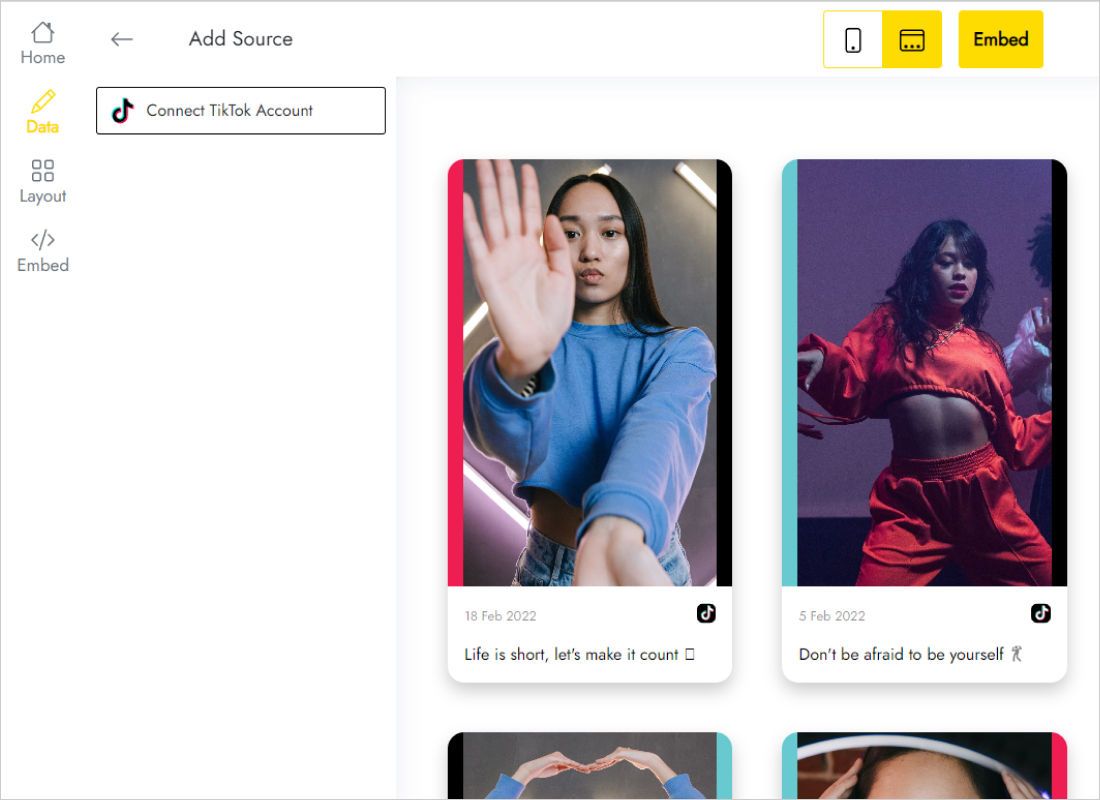
The Data tab holds Connect TikTok Account; click it and approve the permission screen.
-
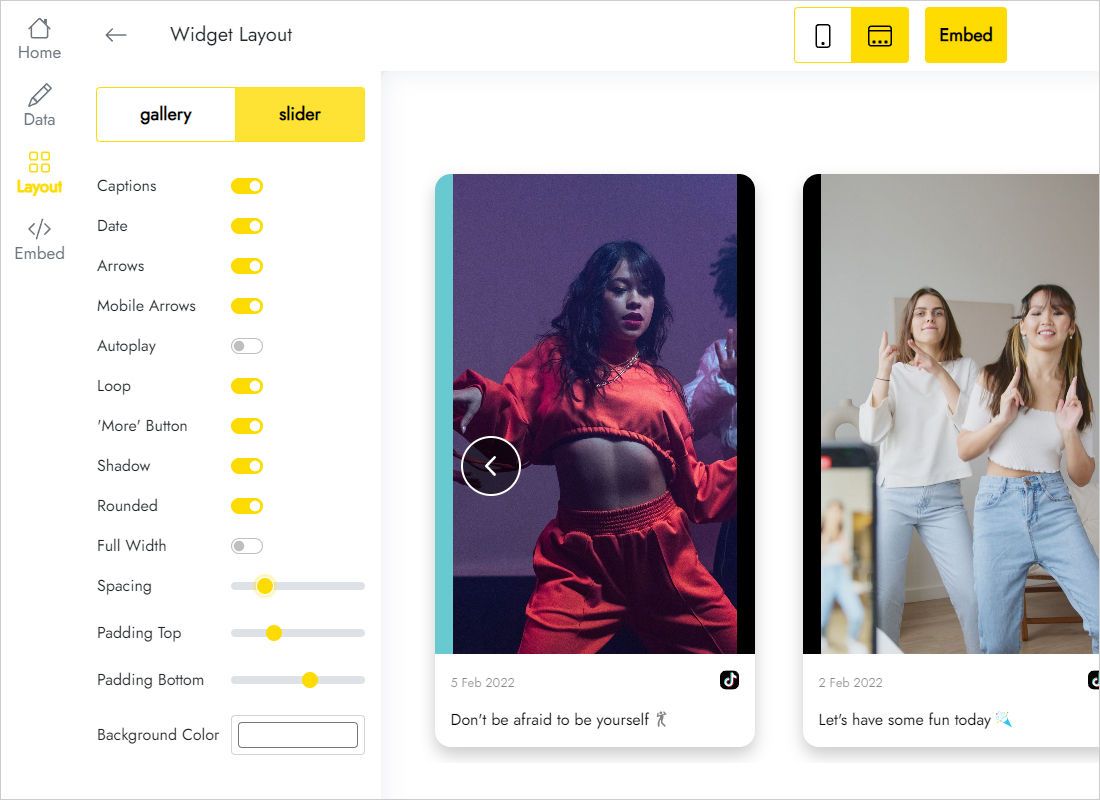
The Layout tab decides slider versus gallery, the number of columns and rows, and gap width.
-
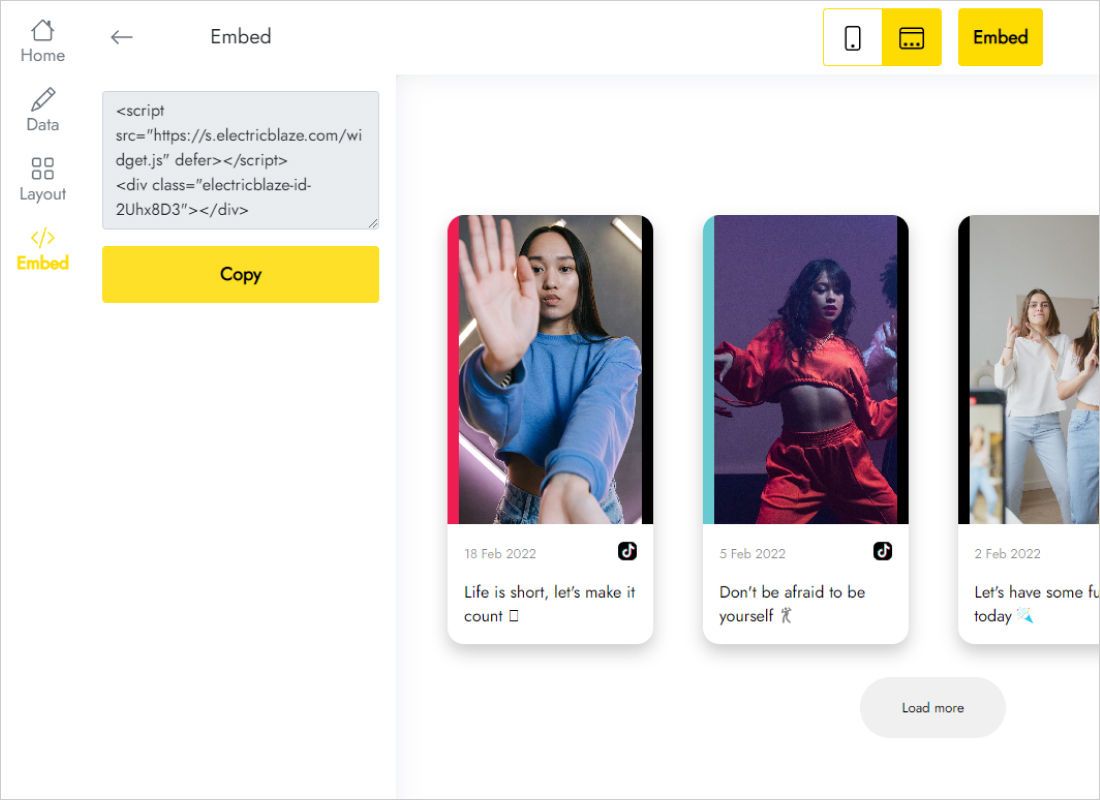
The Add to website button hands you the snippet.
Drop the clips into your layout
Switch back to the editor and open the target page.
- Click a vertical stack inside the videos section.
- Use Insert, look up "Embed" and pull the component into that stack.
- Switch the component type to HTML on the right, then paste.
- Width to Fill; height to a fixed number that reveals a whole row of thumbnails.
- Publish and tap a thumbnail in a normal browser tab.
Scripts stay dormant inside the editor, so the layer looks blank until you open the live address.
Working with 9:16 thumbnails
Vertical frames are roughly 1.8 times taller than wide. A thumbnail 240px across already stands over 400px tall, so heights escalate fast.
- Slider in most sections. One row keeps the layer height predictable; four or five visible clips suit desktop.
- Gallery on a dedicated Videos page. Stop at two rows, since a fixed height becomes awkward to maintain across three breakpoints.
- Tablet and Phone overrides. Fewer columns make each thumbnail wider and therefore taller, so raise the height on those breakpoints.
- Dark bands. Give the widget the same background colour as the section so the block reads as part of the design.
- Spacing. Add padding to the parent stack rather than the widget, which keeps gaps consistent with neighbouring sections.
Refresh cadence: a daily pull on Free, an hourly pull on Start.
TikTok on Framer: FAQ
Does a Framer TikTok feed work while the site is on a free plan?
The Embed component belongs to the regular editor and the widget has its own zero-cost tier. Connecting a custom domain is governed by your site plan.
Clips are sliced off at the bottom on phones. Fix?
The fixed height on that breakpoint is too small. Raise it for Phone only.
Do I need to touch the project when I post a new video?
No. The widget picks it up at its next refresh and the live page shows it without republishing.
Other Framer guides
Pick another widget walkthrough or open the TikTok product page:
Create your TikTok stream
Authorise TikTok, paste the snippet into an Embed layer, go live.
Create a widget