
How to Add Instagram Feed to Framer
Portfolio and brand sites built in Framer often end with a strip of recent posts. To add Instagram feed to Framer, you only need the built-in Embed layer and an ElectricBlaze widget; no plugin install or React code is involved.
Before opening the canvas
- Your Instagram switched to a Creator or Business account in the app. Posts from personal accounts cannot be read by third-party tools.
- An ElectricBlaze login; building and testing is free.
- Edit rights on the Framer project.
The marketplace offers a Framer Instagram feed component or two from independent creators. The approach below differs in one way: the same widget can also run on any other site you manage, and layout changes, for this gallery or a showreel pulled from Vimeo, happen in one editor instead of per project.
Design the Instagram widget
Read the Instagram widget feature rundown for every setting. Five moves:
-

Load a.electricblaze.com, log in, or set up credentials if this is your first visit.
-
Click Create New Widget and pick Instagram Feed among the widget cards.
-
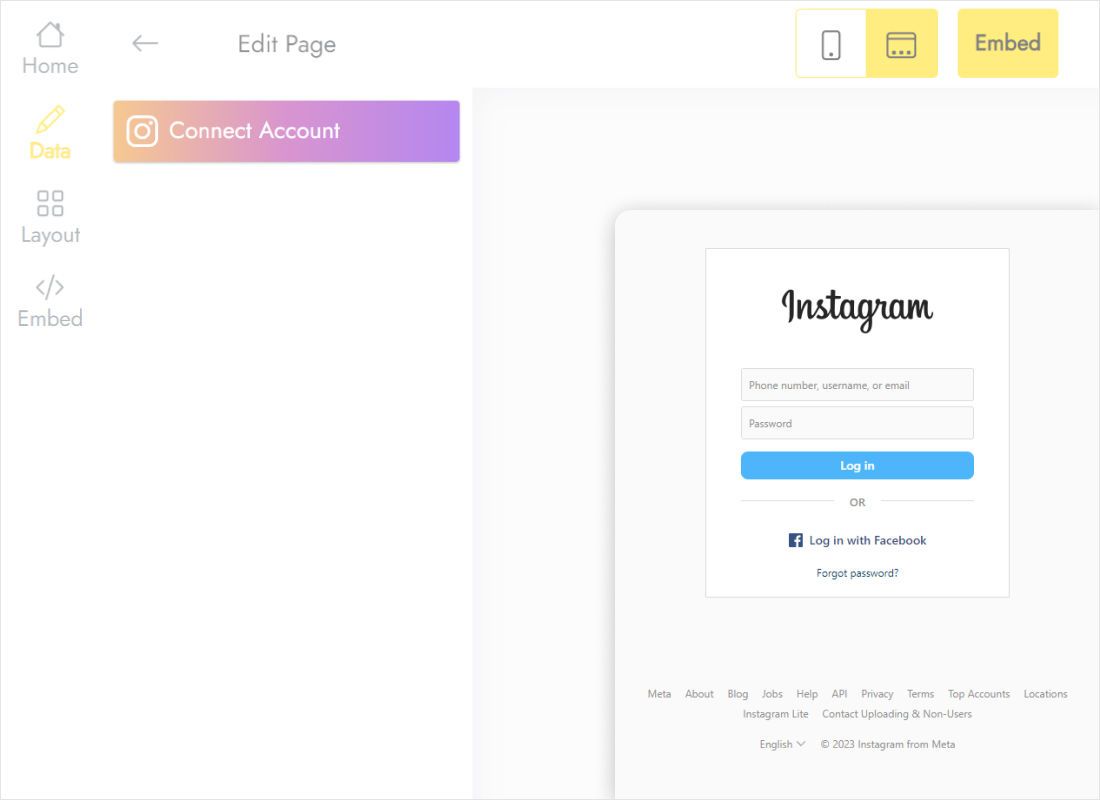
Switch to Data, click Connect Account and let Instagram confirm the link.
-
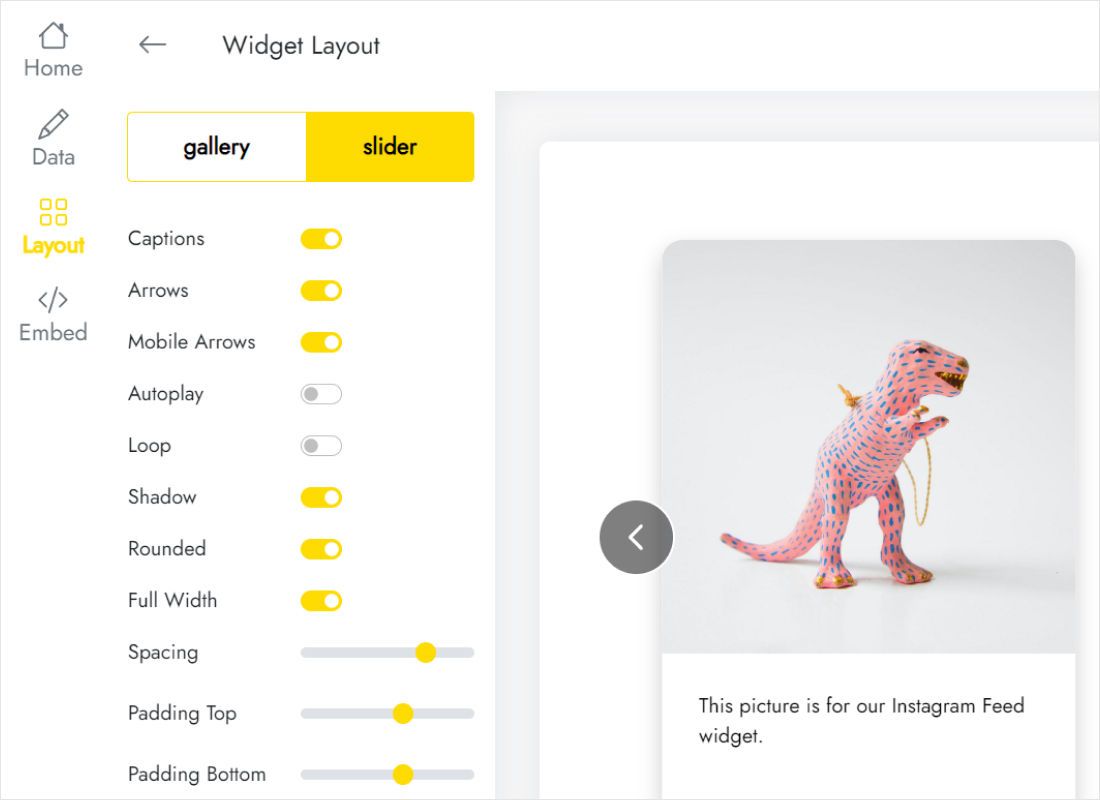
Switch to Layout; tune columns, rows, spacing and caption display until the preview matches your Framer frame.
-
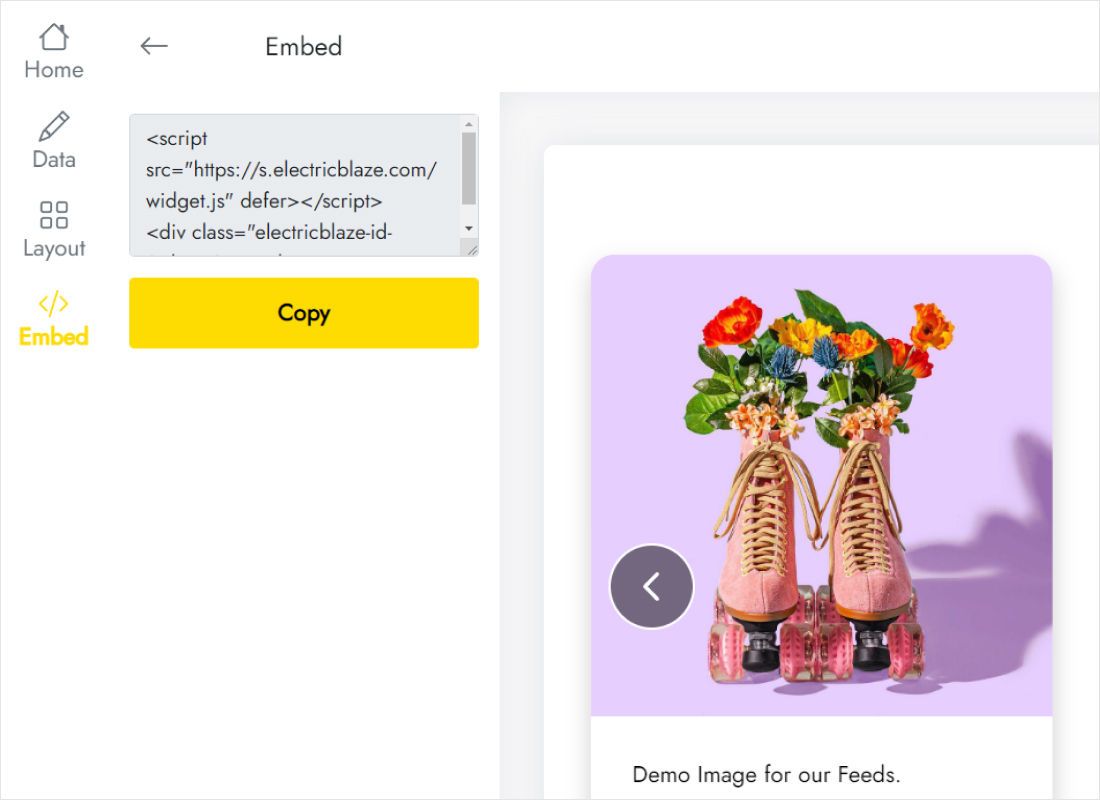
Open Add to website from the top bar to get the HTML.
How to embed Instagram feed on Framer pages
Back in Framer, choose the page that should display the photos.
- Select the stack or section that will contain the gallery.
- Open Insert, type Embed into search and drag the component into the stack.
- In the properties panel on the right, flip the type from URL to HTML and paste the code.
- Set width to Fill and pick a height that shows every row.
- Publish and open the site URL in your browser.
Framer runs scripts in the browser only, so the canvas keeps an empty frame. Judge the gallery on the published page.
Sizing the Instagram widget Framer layers need
The HTML inside an Embed does not stretch the layer, so height is your job. Work per breakpoint:
- Desktop. A 4 × 2 grid inside a 1200px stack needs roughly two photo heights plus gaps. Start there, then refine on the live page.
- Tablet. Framer lets you override height on this breakpoint. When columns drop, the same rows need more space.
- Phone. Tall stacks of photos push content far down. A slider with a fixed, short height is usually the calmer choice.
- Max width. Put a max width on the parent stack so thumbnails do not balloon on wide monitors.
The Free widget plan updates posts once a day and allows 1,000 views a month. Start raises that to hourly updates without a view cap.
Instagram on Framer: FAQ
Is this a Framer Instagram plugin?
No. It is an HTML snippet that lives in an Embed layer, so nothing needs to be installed in the project.
Why do I see a blank Embed while editing?
Framer does not execute scripts in the editor. Publish and check the browser tab.
The bottom row is cut off. What now?
Increase the Embed height on the affected breakpoint, or reduce rows in the widget Layout tab.
Related guides
General Framer instructions, the widget overview and other widgets for this builder:
Make an Instagram gallery for Framer
Link your profile, copy the HTML, paste it into an Embed. Costs nothing to try.
Create a widget