
How to Add Facebook Feed to Framer
Restaurants, venues and clubs often announce things on Facebook first, or as short updates on X. Here is a clean way to add Facebook feed to Framer, so those Page updates show up on the website automatically inside a layer you size like any other.
What has to be in place
- A public Facebook Page on which you hold an admin role. Individual profiles and groups cannot be connected.
- An ElectricBlaze account on any plan.
- A Framer project you can edit and publish.
Facebook's own Page plugin is an iframe with a narrow fixed look. The ElectricBlaze feed offers gallery and slider layouts with your colours, which fits custom Framer designs better.
Build the Facebook widget
Feature notes are in the Facebook layout and colour options. In practice:
-
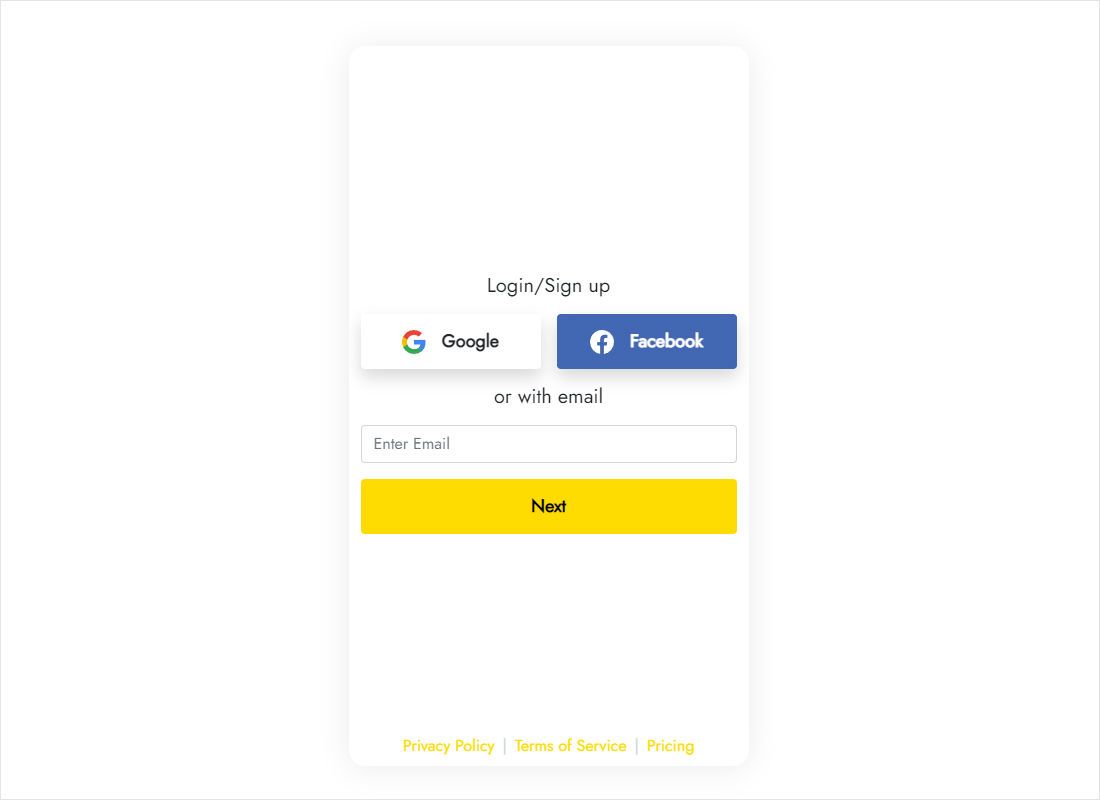
Go to a.electricblaze.com and log in with email, or register a fresh account.
-
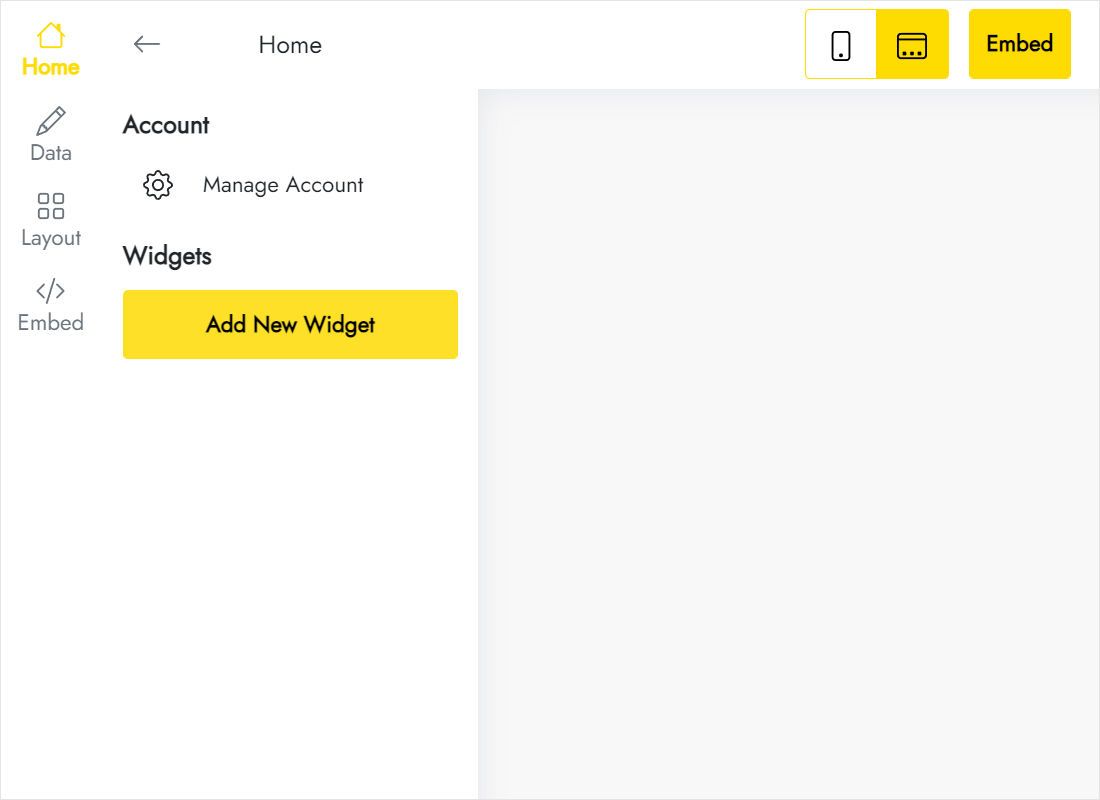
Choose Create New Widget, then Facebook Feed.
-
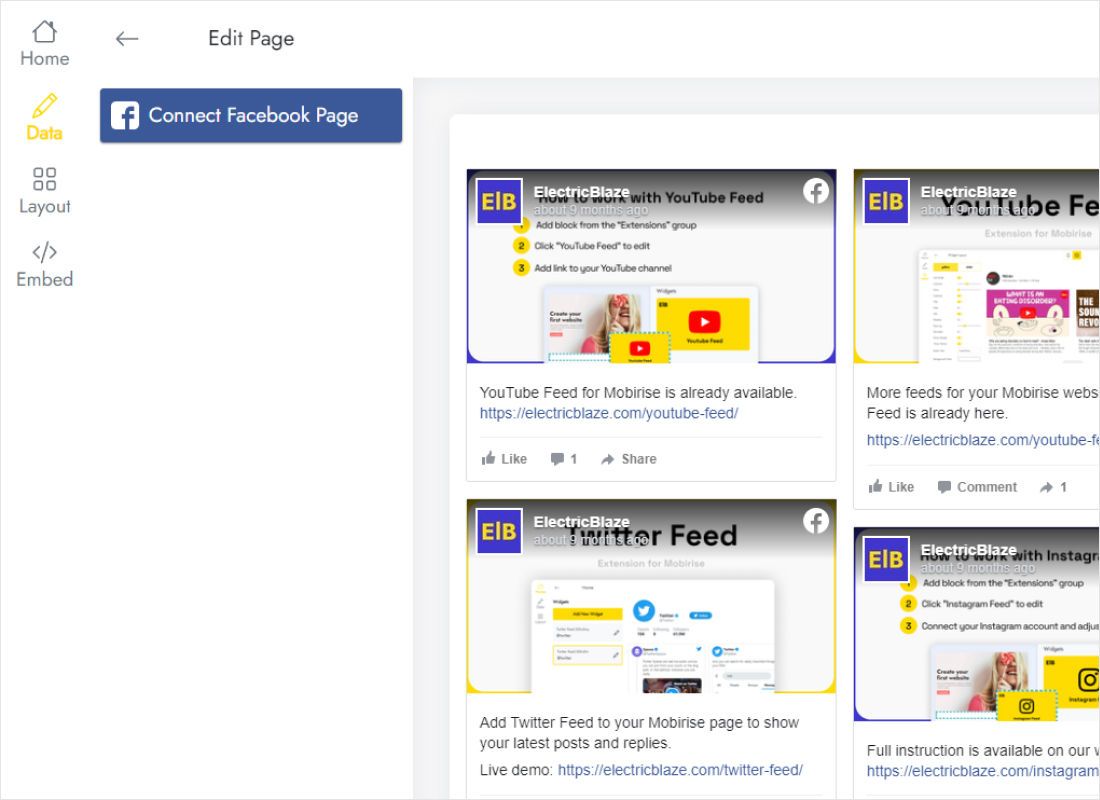
Click Connect Facebook Page on the Data tab and grant access to the right Page.
-
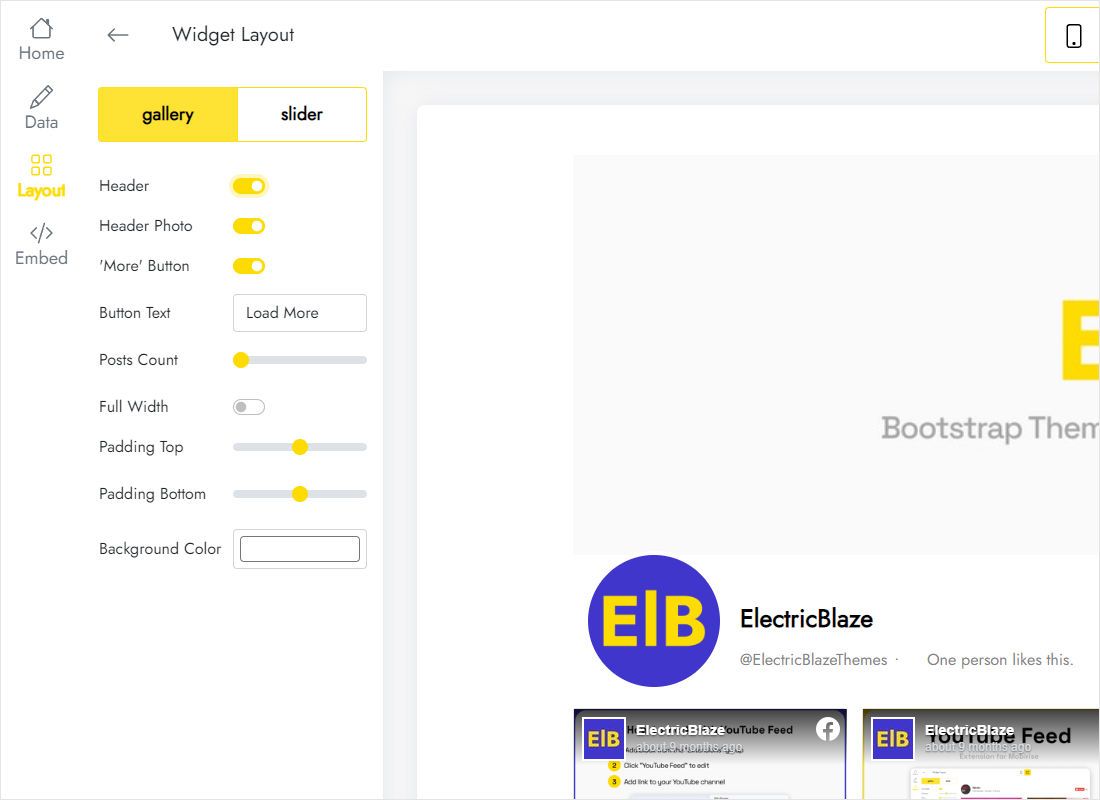
Move to Layout and define card columns, rows, background and whether the stream scrolls as a slider.
-
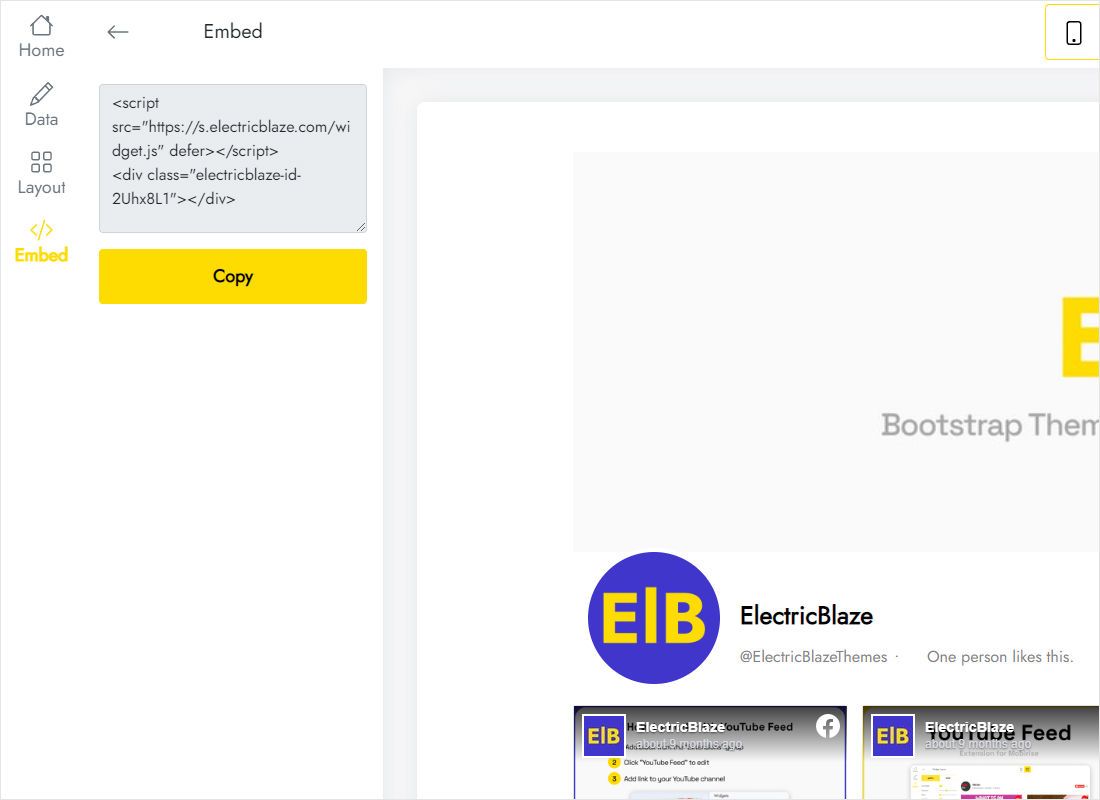
Hit Add to website; a window with the markup appears.
Put the posts on a Framer page
Pick the page, perhaps Events or News.
- Click the section that should host the posts and make sure it uses a vertical stack.
- From the Insert menu search for Embed and drop the component in.
- Change the component type to HTML in the right panel, then paste the markup.
- Width: Fill. Height: fixed, tall enough for your rows.
- Publish, then refresh the live site.
Scripts only execute in a real browser, so the editor keeps the layer empty. That is expected.
Getting Facebook cards to fit
Page posts often mix long text with photos, so card heights vary more than in image-only feeds.
- Two-column sections. In a horizontal stack with text on one side, give the Embed a fixed width of about 360px and one card column. It mirrors the proportions of a phone screen and reads naturally.
- Full-bleed rows. A slider with three visible cards gives a lively band without a huge height value.
- Phone breakpoint. Override the Embed height there; stacked cards need noticeably more room.
- Branding. Match the widget background to the section fill so the edges disappear.
On Free, posts refresh every 24 hours; Start ($5 a month, paid yearly) checks hourly and drops the ElectricBlaze branding.
Facebook posts in Framer: questions
Can I show posts from my personal timeline?
No. Meta allows outside apps to read public Pages only.
Does the feed need Framer's paid plan?
The Embed component is part of the standard editor. Check your own plan for publishing to a custom domain.
Nothing appears after publishing. What should I check?
Confirm the Embed type is HTML, not URL; in URL mode the code is treated as an address.
Where next
Other widget instructions for this builder, plus the Facebook widget overview:
Create a Facebook feed
Connect your Page, copy the markup and publish on Framer. Free tier available.
Create a widget