
How to Add a WordPress TikTok Feed
Pasting clip after clip into posts gets old quickly. A WordPress TikTok feed pulls your newest uploads on its own. This page covers the ElectricBlaze setup, where the code goes in Gutenberg or Elementor, and layout advice for portrait video.
One video or a whole feed?
If you only wonder how to add TikTok video to WordPress for a single post, the core TikTok embed block takes one video URL and needs nothing more.
A feed widget earns its place when the page should keep showing your recent uploads without edits. Requirements:
- Login access to the TikTok profile in question.
- An ElectricBlaze account, which starts free.
- An Administrator role on a self-hosted site, or a WordPress.com paid plan with hosting features active.
Compared with a feed plugin, the hosted widget, like every other ElectricBlaze embed, adds no settings screens to wp-admin and nothing to update. Clip data and thumbnails are fetched on ElectricBlaze servers, so a busy shared hosting account does not do the extra work of calling TikTok.
Step 1: Link TikTok and choose a layout
For the complete option list, the clip feed settings reference has you covered.
-

Sign into a.electricblaze.com; newcomers register from that screen.
-
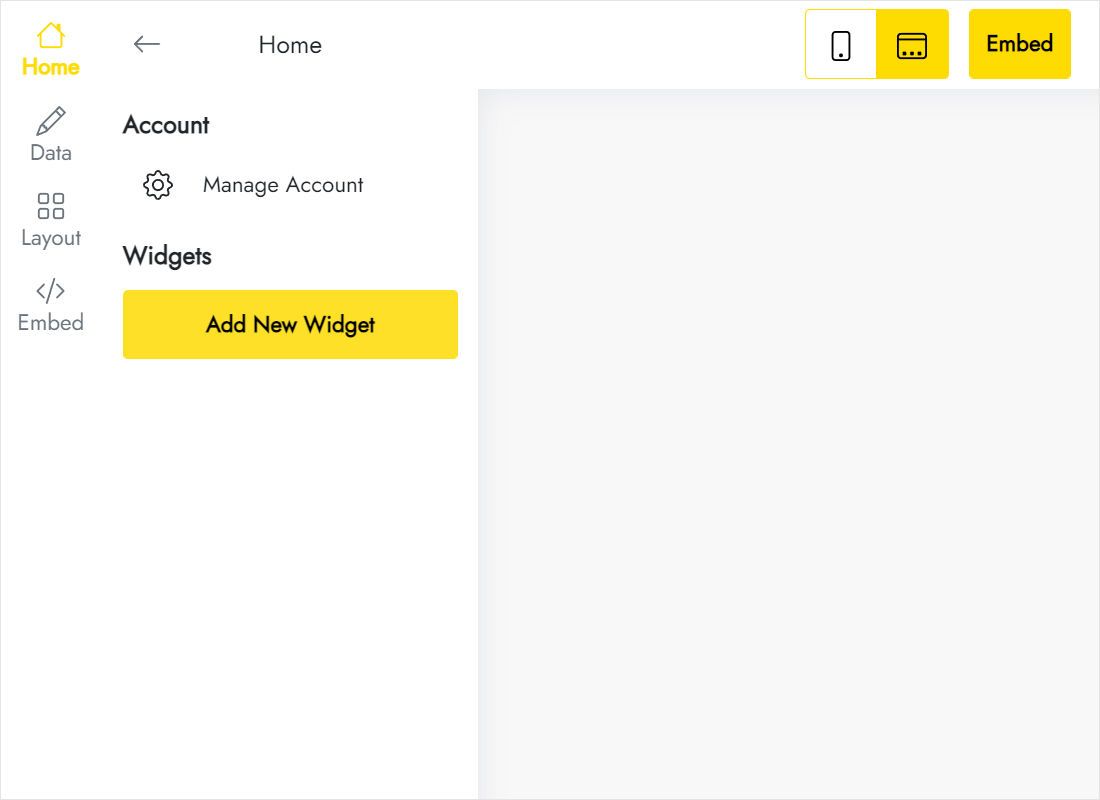
Via Create New Widget, open the TikTok Feed type.
-
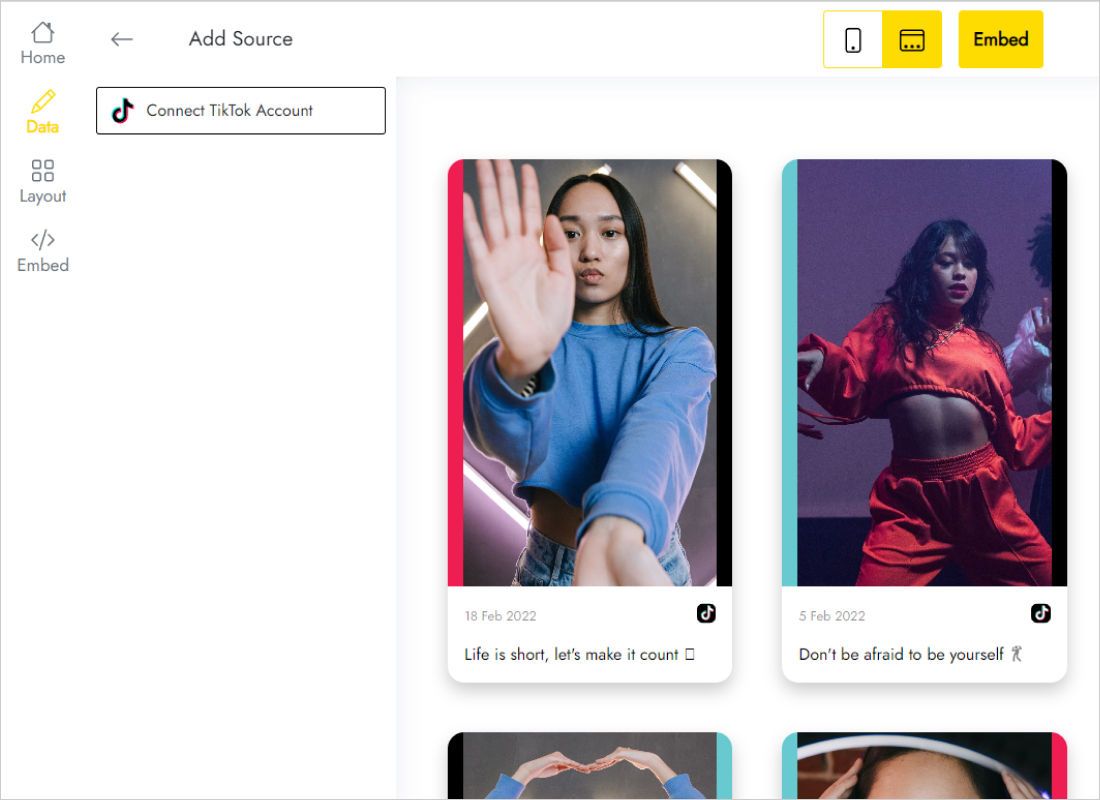
Data tab: Connect TikTok Account, then allow the requested permissions.
-
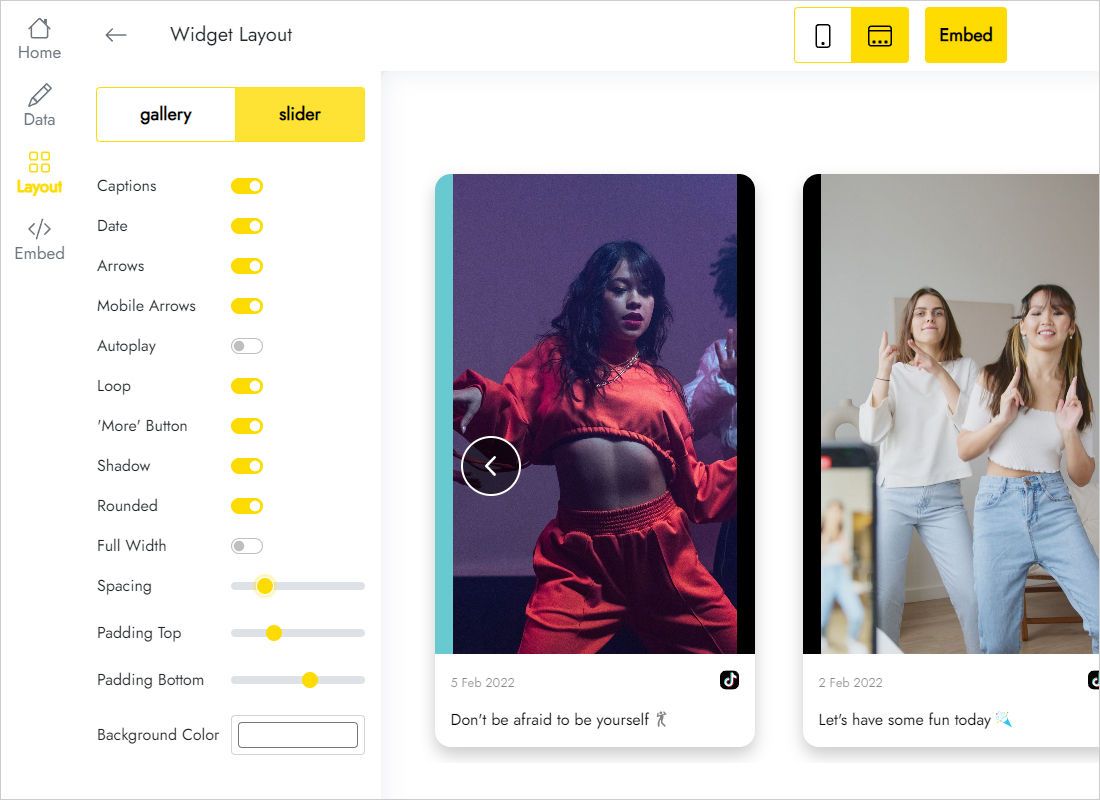
Layout tab: slider or gallery, plus how many columns and rows of clips.
-
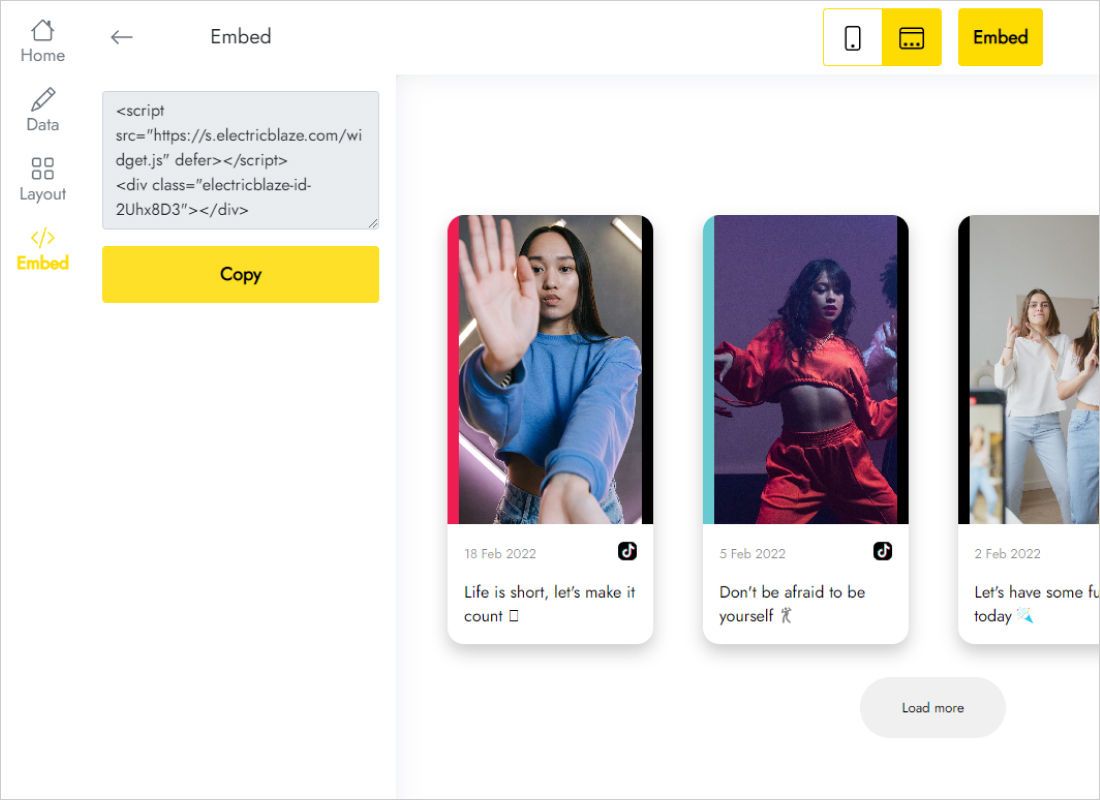
Your code shows up behind Add to website. Copy it.
Step 2: Embed TikTok video WordPress pages with the snippet
Posts, pages and templates all follow the same moves.
- Open the destination page in Gutenberg and click where the clips should begin.
- Insert Custom HTML through the block inserter or with the
/htmlshortcut. - Edit HTML brings up the code dialog; drop in both lines and confirm.
- Elementor users place the HTML element instead, holding identical code.
- Publish, log out or open a private window, and check that the newest thumbnails load on the live page.
Gutenberg’s canvas may not execute third-party scripts, so trust the published URL rather than the editor.
Vertical video on a horizontal site
TikTok thumbnails are portrait. Four columns of them squeezed into a slim theme column look cramped, so fit the grid to the available width:
- Content column: a single-row slider keeps the block compact.
- Full-width landing page: four or five gallery columns fill the space nicely.
- Phones: after the columns stack, thumbnails should still be large enough to tap.
How to embed TikTok video in WordPress sidebars
Classic themes accept the snippet through a Custom HTML widget (Appearance → Widgets). A single column with two rows suits most sidebars.
Fresh uploads appear with the next widget sync: daily with Free, hourly with Start.
TikTok and WordPress: FAQ
Can you embed TikTok videos in WordPress without code?
Single videos, yes, with the core TikTok embed block. An auto-updating feed needs a widget snippet or a plugin.
Will private or deleted clips stay on my page?
No. Once a video is removed or made private on TikTok, it drops out of the feed at the next refresh, so the grid mirrors your profile.
Could two different posts display this feed?
Yes. Reuse the code anywhere; every copy updates in step.
Why does my caching plugin hide the feed?
Some optimisers delay or combine JavaScript. Exclude the ElectricBlaze script from those settings and purge the cache.
Related WordPress walkthroughs
The general WordPress page, the TikTok widget overview and guides for other widgets:
Create your TikTok widget
Connect TikTok once and let new clips fill your WordPress pages automatically.
Create a widget