
How to Add Instagram Feed to WordPress and Elementor
A photo grid under your blog posts or on a portfolio page keeps the site looking current. Here is how to add Instagram feed to WordPress using an ElectricBlaze widget, with separate notes for the block editor and for Elementor.
Checklist
- A professional Instagram profile, meaning Business or Creator. Personal ones can be converted in the mobile app.
- ElectricBlaze access, Free tier included.
- An Administrator login for self-hosted sites; WordPress.com sites need a paid plan whose hosting features are active.
You may have seen Smash Balloon or other gallery plugins recommended, and they do the job well. The snippet approach is for anyone who prefers to embed Instagram feed WordPress without plugin maintenance: no access token to paste into wp-admin, no plugin version to keep current, and one grid that can also decorate a shop built with any other supported builder.
Step 1: Link Instagram and shape the grid
The tour of every Instagram layout control goes deeper; this is the short path.
-

Your ElectricBlaze workspace opens at a.electricblaze.com; log in or register.
-
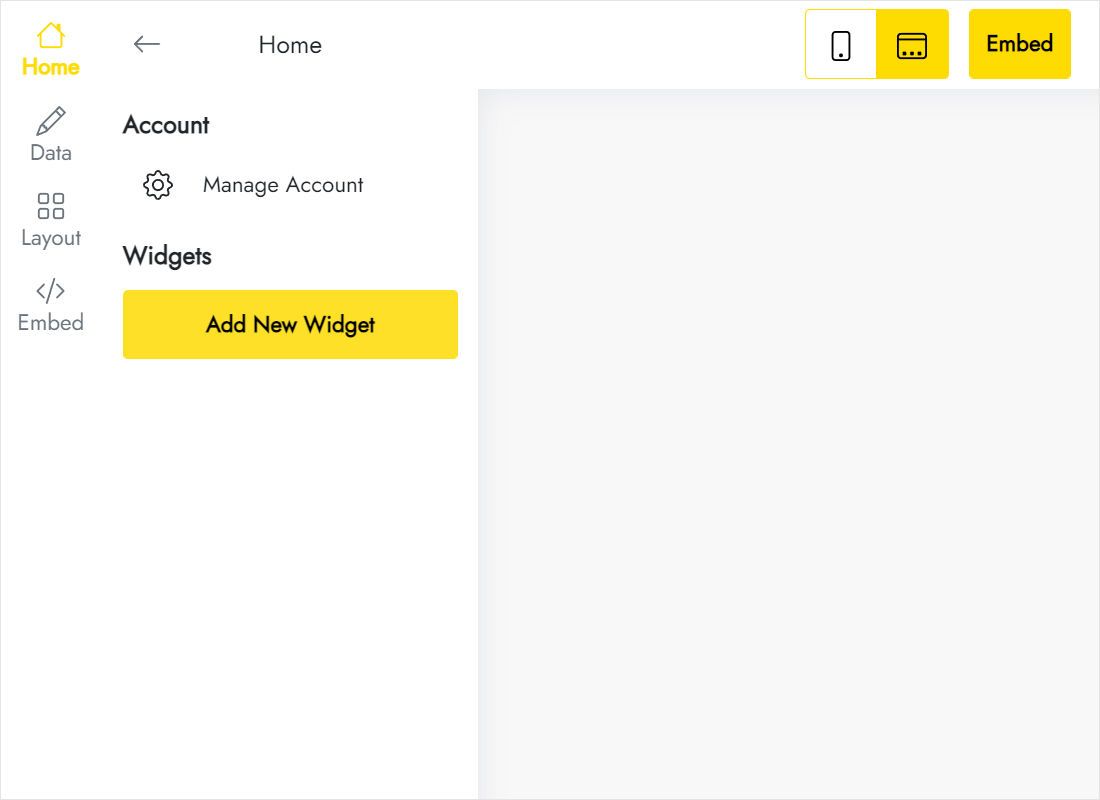
The Home tab offers Create New Widget; Instagram Feed is among the tiles.
-
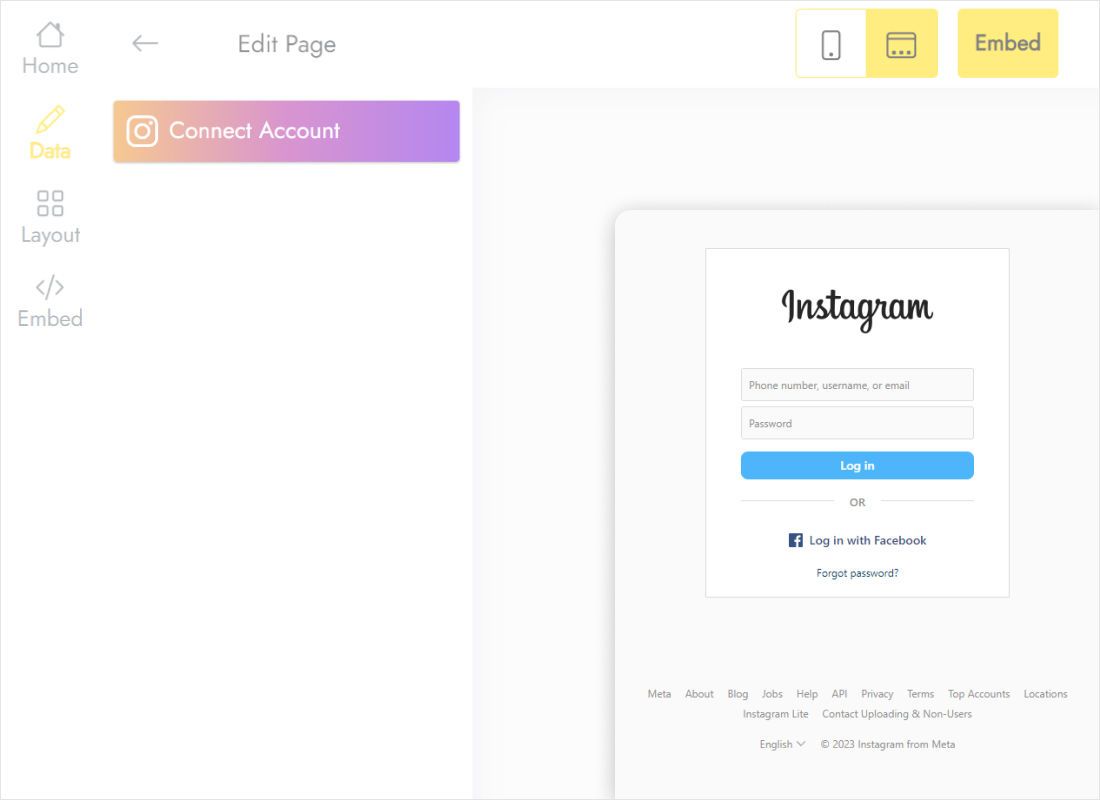
Hit Connect Account on the Data tab and approve the Meta prompt.
-
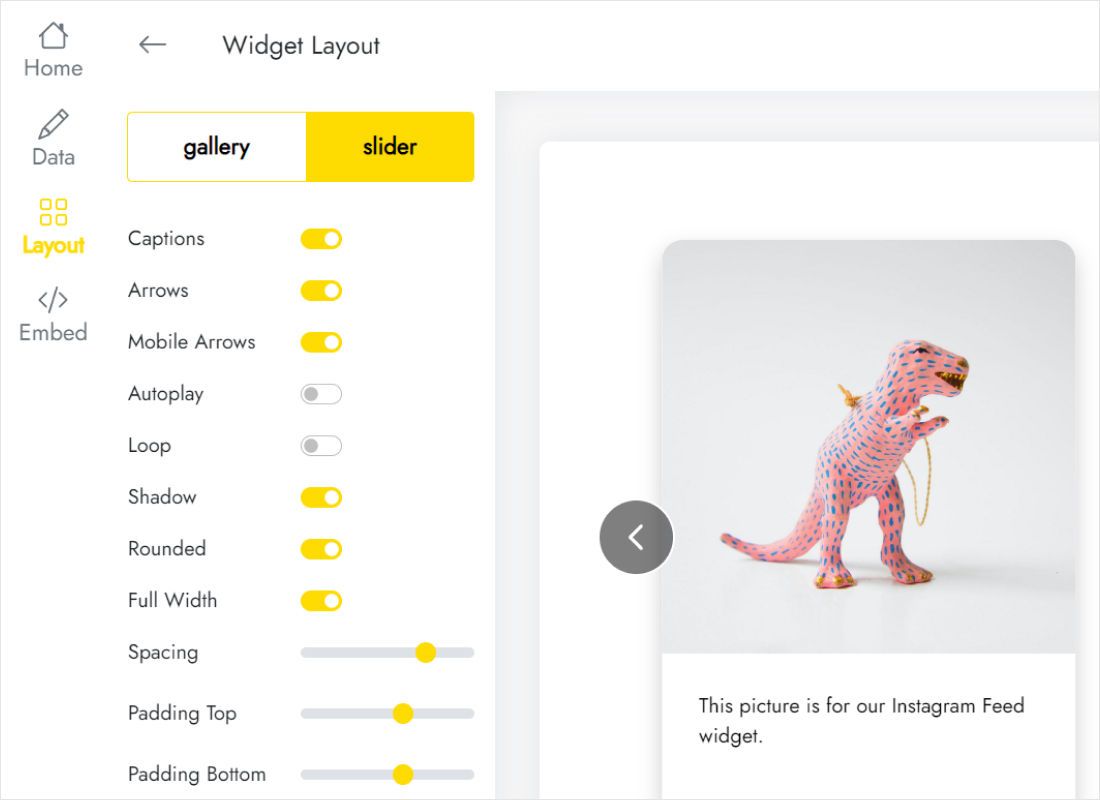
Layout handles grid versus carousel-style slider, the column and row count, gaps and captions.
-
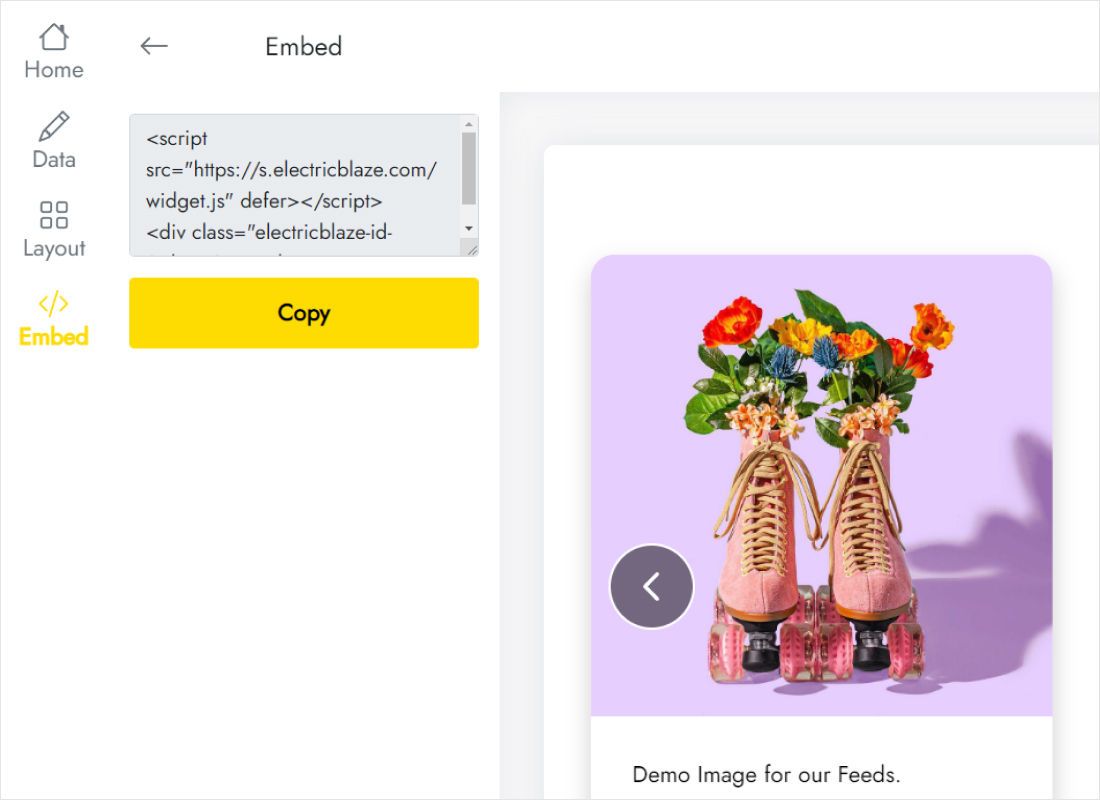
Add to website, found in the upper bar, reveals the lines to copy.
Step 2: Drop the grid into Gutenberg
This is how to add Instagram widget to WordPress posts and pages in Gutenberg:
- Open the post or page and click the spot where the grid should sit.
- Open the + inserter, look up “HTML” and choose the Custom HTML block.
- Edit HTML opens a code dialog: paste both lines in the HTML pane and confirm.
- Wanting photos from screen edge to screen edge? Give the surrounding Group full alignment and flip the widget’s Full Width switch.
- Save the post, then check it as a guest in an incognito tab.
On classic themes a footer photo strip works too: Appearance → Widgets accepts the snippet inside Custom HTML.
Grid size, Elementor and mobile
How to add Instagram feed in WordPress Elementor
From the Elementor panel pull the HTML element into a container; its Code area takes the snippet. Elementor’s canvas can look empty afterwards, which is normal: publish and open the real URL.
Instagram feed WordPress layout tips
- Blog sidebar: a 2×2 grid shows four neat squares.
- Portfolio page: four columns with small spacing look like a proper gallery.
- Phones: tall grids get long when columns stack, so fewer rows or the slider keep scrolling short.
Once you publish a new photo, the grid picks it up at the next sync (24-hour cycle on Free, 60 minutes on Start) with no post re-saving.
Instagram gallery on WordPress: FAQ
Do I need an Instagram access token?
No. Approval happens once through Connect Account, and ElectricBlaze keeps the credentials away from your WordPress database.
Can Reels appear in the grid?
The widget shows posts from the connected profile. Which media types appear depends on what Instagram shares with connected apps.
Why is my personal Instagram profile rejected?
Meta restricts third-party reading to professional profiles. Convert to Creator or Business, then repeat Connect Account.
Can I try it without paying?
Yes. Free covers up to five widgets with a 1,000-view monthly allowance and daily syncing.
Keep going with WordPress
The general embedding guide, the Instagram widget overview and the other WordPress walkthroughs:
Create your Instagram widget
Link your profile and give your posts and pages a living photo wall.
Create a widget