
How to Add an X (Twitter) Feed to Wix
A Wix Twitter feed keeps a news section, press page or event site current without manual edits. The steps below use the ElectricBlaze X (Twitter) widget and a single Embed HTML element.
What this setup needs
- The X (Twitter) username whose posts you want to show.
- An ElectricBlaze login, which you can open on the no-cost tier.
- Editor rights for the Wix project; Embed HTML is included even without Premium.
Copying individual posts by hand works for a quote or two, but it goes out of date the moment you post again. A feed widget reads the account for you and lays the posts out as a grid or a carousel that matches the rest of the design.
Step 1: Prepare the X (Twitter) widget
Five moves; for the complete settings reference open the news-board widget overview.
-

Point your browser to a.electricblaze.com and get into your dashboard.
-
Under Create New Widget, the X (Twitter) Feed is the type to choose.
-

Your handle goes into the Twitter username box on Data; confirm with Connect.
-
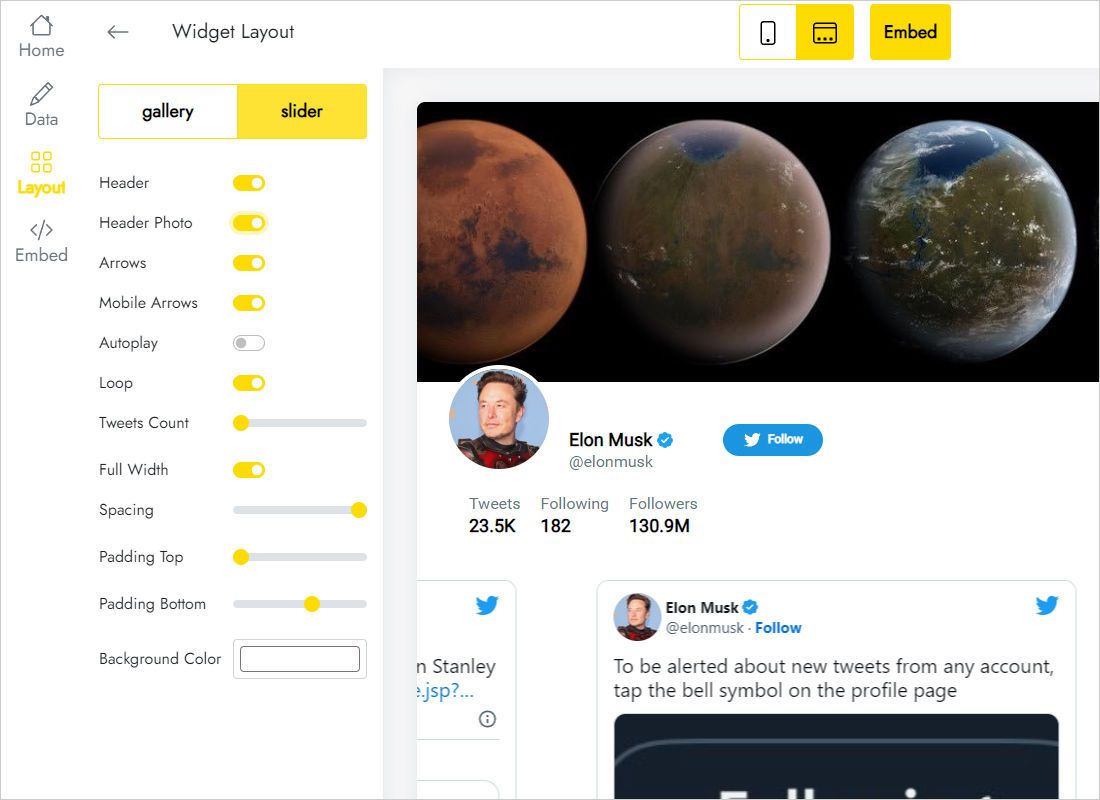
Shape the look on Layout: grid or carousel, how many columns and rows, captions, gaps.
-
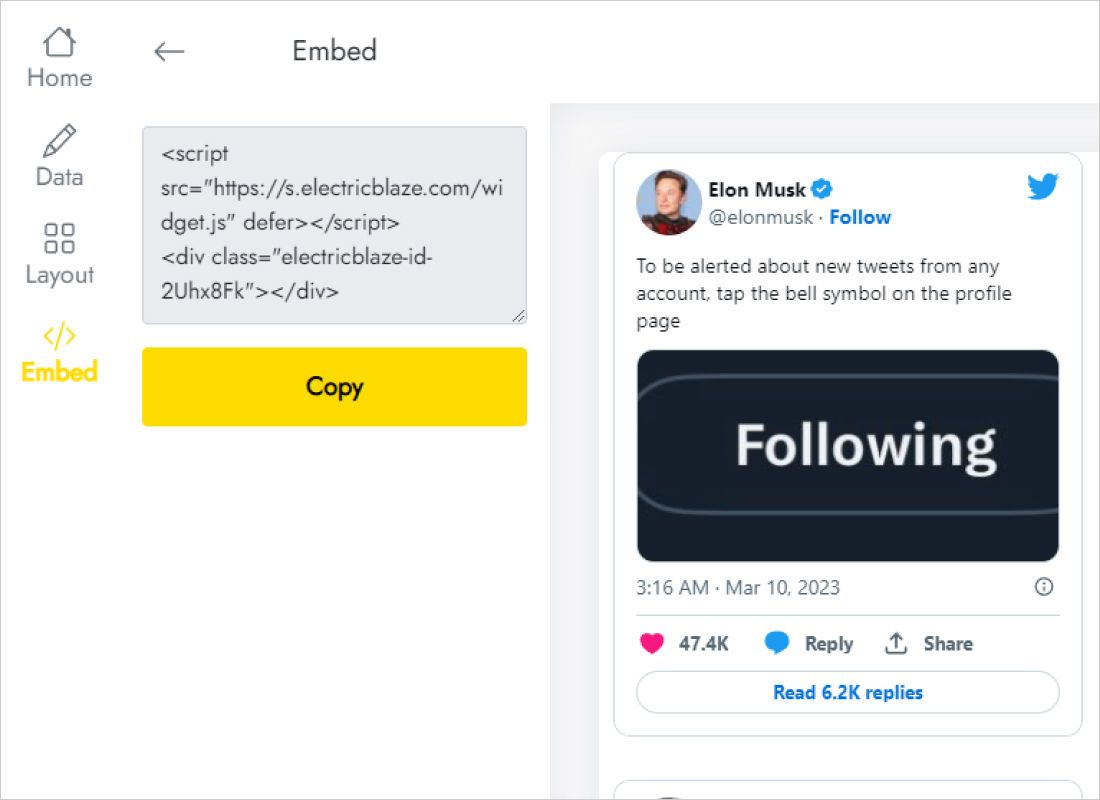
Copy everything the Add to website window displays.
Step 2: Drop the code into the editor
In the Wix Editor, go to the page meant for the updates.
- Look for a wide area: a full-width strip or a news column works well.
- In the left panel click Add Elements, then Embed Code, then Embed HTML.
- Select Enter Code, paste the X feed snippet and save it with Apply.
- Stretch the frame horizontally and lower its bottom edge until no post card is clipped.
- Check the phone layout in the mobile editor, adjust the frame again, and publish.
The editor canvas often shows the frame without content. Preview or the published URL displays the real posts.
Designing around text-heavy posts
Posts on X are mostly text, and their length changes from one to the next. That makes the frame height the main thing to get right.
Sidebar or narrow column
Use the slider with one column. Each card gets the full width of the column, long posts wrap neatly, and the frame stays a fixed, modest height.
Dedicated news page
Two or three columns across several rows turn the section into a board of updates. Leave extra space below the last row, because a single long post can make its row taller.
On phones
Narrow screens fold the columns into one list, so the frame in the mobile editor must be much taller, unless you move to the slider.
Posts update without you: roughly daily for Free users, hourly for Start. You only return to the editor when you want to move or resize the frame.
X (Twitter) posts on Wix: FAQ
Can I show someone else’s public account?
The widget displays the account entered in the Twitter username field. Use an account you manage or have permission to feature, and keep in mind that its posts appear on your site.
Will the feed keep working if I rename my X handle?
Type the new handle into the Data tab after renaming. The snippet in the editor does not change.
Can I place the posts on several Wix pages?
Yes. Every page can hold its own Embed HTML element with this code, or the footer can carry one copy site-wide. Every copy is powered by the same single widget.
Does the feed use the Wix Twitter feed apps?
No. It is independent of the App Market and works the same way on any other website you run, as walkthroughs for non-Wix builders show.
Where to go from here
Add your latest posts to Wix
Handle in, layout chosen, snippet pasted. Try it on the free tier.
Create a widget