
How to Add a TikTok Feed to Wix
Wix has no native player for these short clips, so the usual workaround is a third-party embed widget. This guide uses ElectricBlaze to add TikTok feed to Wix while keeping tall, vertical videos readable on every screen.
Before you begin
The Wix Single Video Player accepts YouTube, Facebook and Vimeo links, but not TikTok. An Embed HTML element with a feed widget fills that gap, and it runs on the free Wix plan. You will need:
- Login access to the account you want to showcase.
- A free ElectricBlaze account.
- Permission to edit the Wix site.
Unlike a one-off clip, the feed refreshes on its own: post a new clip and it joins the grid after the next update cycle.
Step 1: Build the TikTok widget
Display options are catalogued in the vertical clip layout gallery; the build itself:
-

Enter the dashboard at a.electricblaze.com (sign-up is free).
-
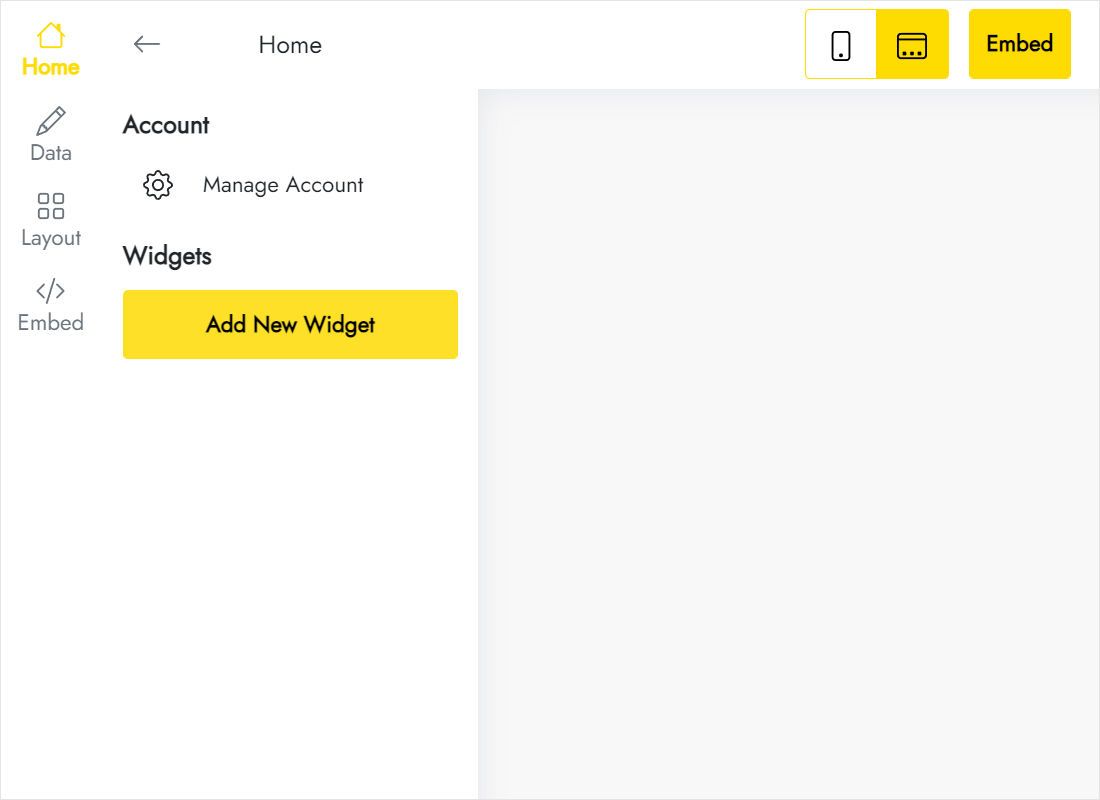
From Create New Widget choose the TikTok Feed type.
-
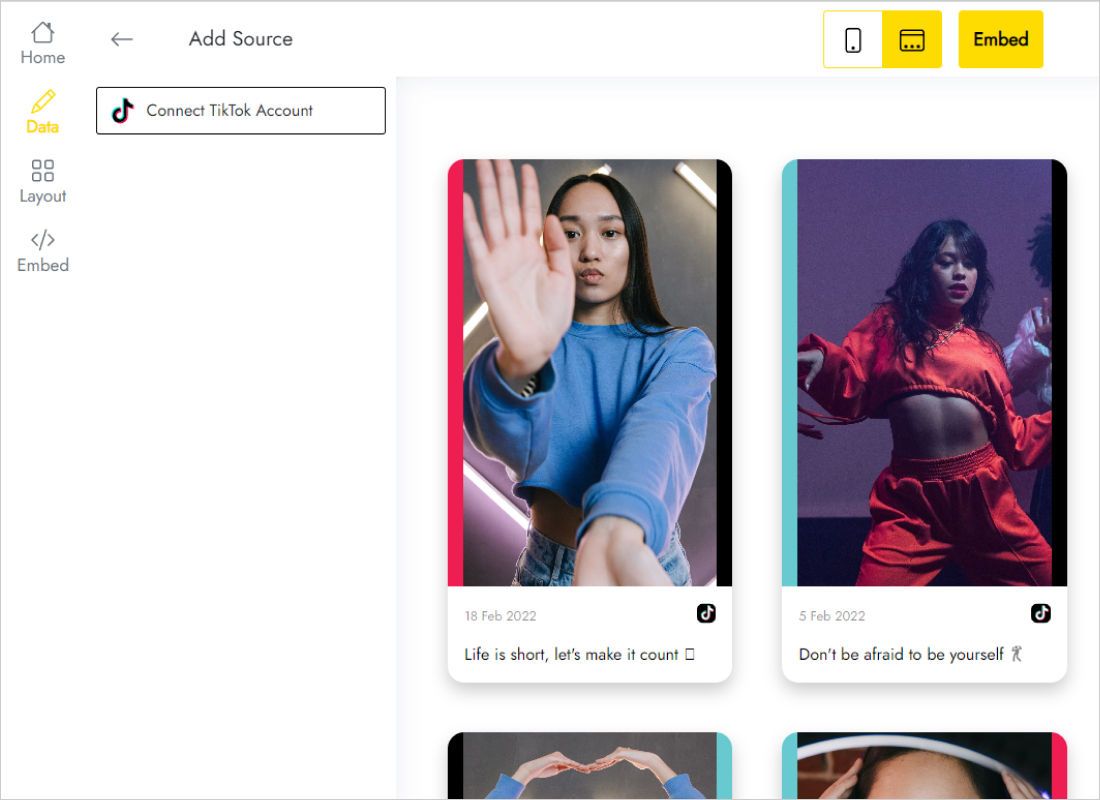
Data has a Connect TikTok Account button; approve the pop-up TikTok shows.
-
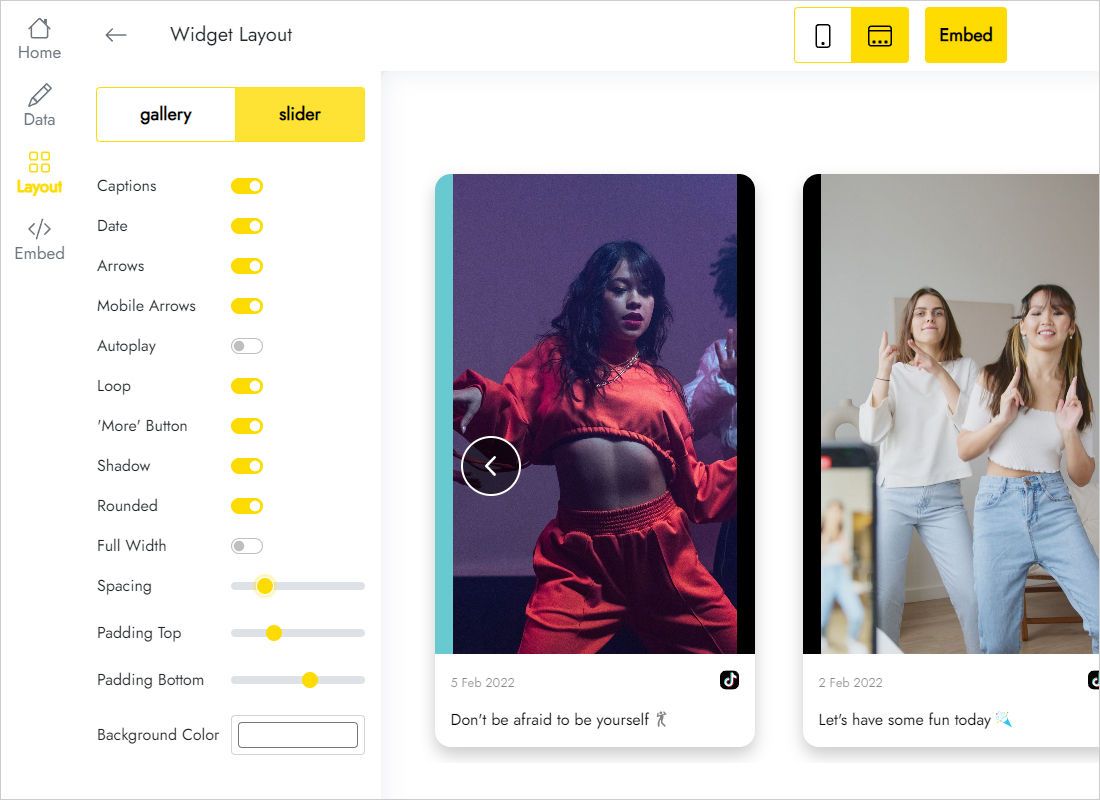
Layout decides the shape: grid or slider, columns per row, number of rows, gaps and background.
-
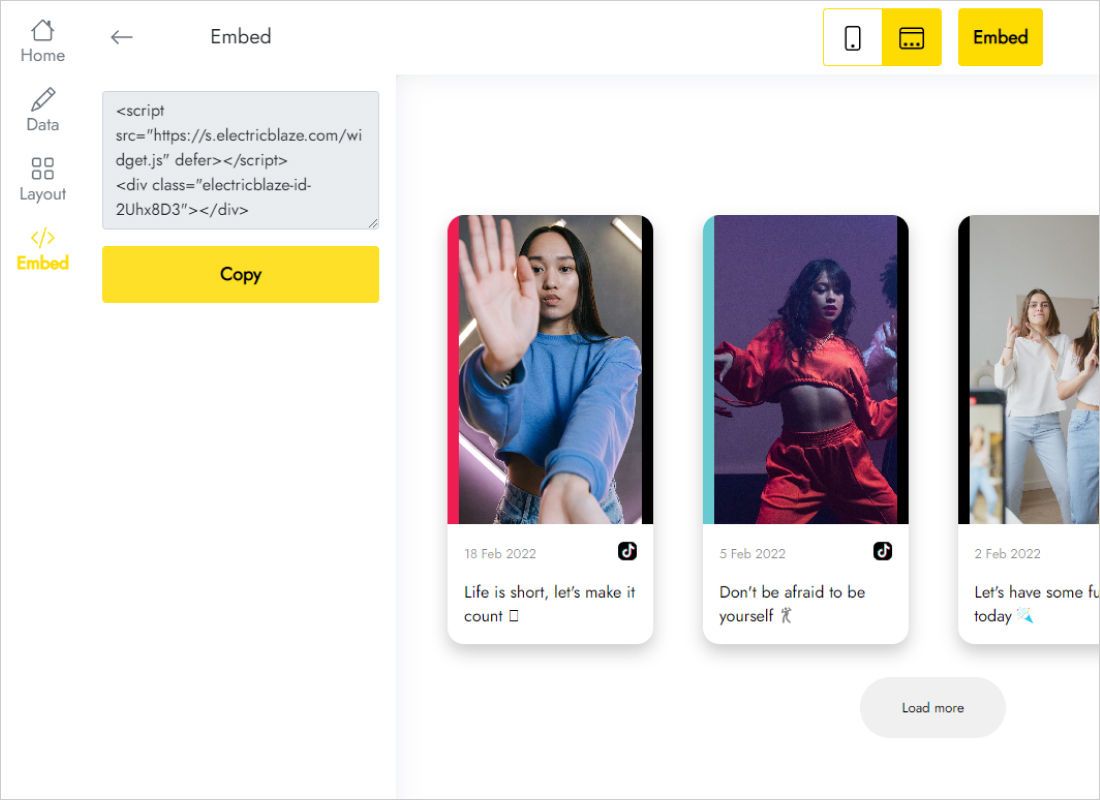
Copy the code from the Add to website dialog.
Step 2: Drop it into an Embed HTML box
In the Wix Editor:
- Decide which strip will host the clips, or add an empty one.
- Click Add Elements, open Embed Code and drag Embed HTML onto the section.
- Use Enter Code to paste the snippet, then press Apply.
- Make the element as wide as the strip. Vertical thumbnails are tall, so extend the height generously: each row of clips is taller than it is wide.
- Open the mobile editor, lengthen the element for the stacked layout and publish the site.
If the element looks empty while editing, check Preview: the embedded iframe loads its content there and on the live page.
Vertical video on a Wix page
Most TikTok clips are 9:16, which means every row of the grid is noticeably taller than a row of square photos. Plan the space before you pick a layout:
- Slider for limited space. One horizontal strip of clips keeps the element compact, which suits a home page between a hero and a contact form.
- Gallery for a dedicated page. A “Videos” or “Behind the scenes” page can afford three or four columns and several rows.
- Fewer columns on phones. The grid narrows on small screens, and each clip needs its own vertical room, so test the mobile height carefully.
The element height in Wix is fixed, whereas the feed may grow. A clipped last row means the box is too short: pull its edge lower or cut a row in ElectricBlaze. Uploads flow in automatically, daily with Free and hourly with Start.
TikTok on Wix: questions and answers
How to embed TikTok video in Wix if I want just one clip?
Set the widget to a slider with a single column and one row. It shows your latest clip and swaps it for newer uploads automatically, so the page never goes stale.
Can I embed TikTok video on Wix blog posts?
Yes. The blog editor offers an HTML embed of its own; drop the snippet in and leave room for a tall clip.
Why did Wix reject my TikTok link in the video player?
The Single Video Player supports only a few hosts, and TikTok is not one of them. Use Embed HTML with a widget snippet instead.
Do visitors need a TikTok account to watch?
No. The feed is shown on your public page, so browsing the clips requires no sign-in on your site.
Keep building your site
Show your TikTok videos on Wix
Connect your account for free, choose a grid or slider and embed it in minutes.
Create a widget