
How to Add Music Player to GoDaddy
Plugins are not needed to add music player to GoDaddy pages. A single HTML section can hold an ElectricBlaze widget streaming a Spotify or SoundCloud playlist, album or podcast; what matters is choosing the music mode that survives inside the builder’s code frame.
Before you build the widget
- The embed snippet Spotify or SoundCloud provides for your release or show.
- Permission to edit the Websites + Marketing site.
- An ElectricBlaze account, which is free to open.
A GoDaddy audio player built in ElectricBlaze takes Spotify or SoundCloud code in the same editor, so changing streaming services later never means touching the website again.
Step 1: Build the widget in embed mode
A side-by-side mode comparison shows the contrast. On this builder, embed is the one to pick:
-
Head over to a.electricblaze.com; sign in, or sign up if this is your first widget.
-
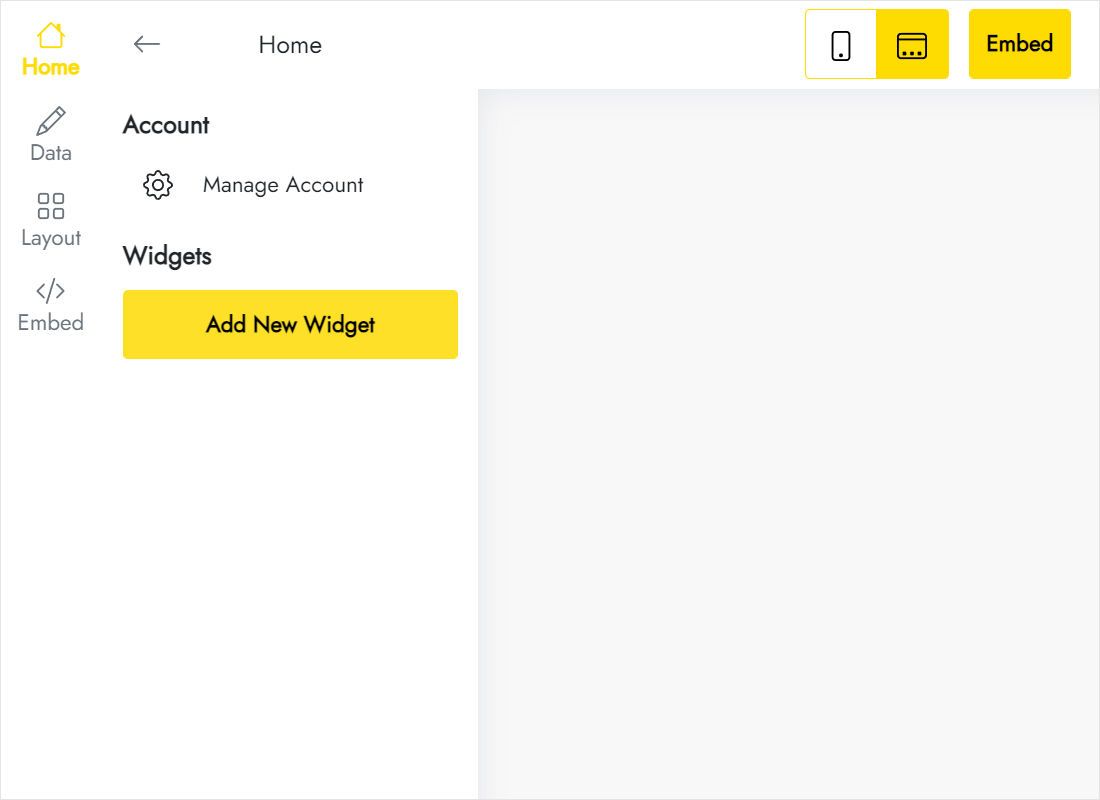
Start a new widget and choose the Music Player type from the list.
-
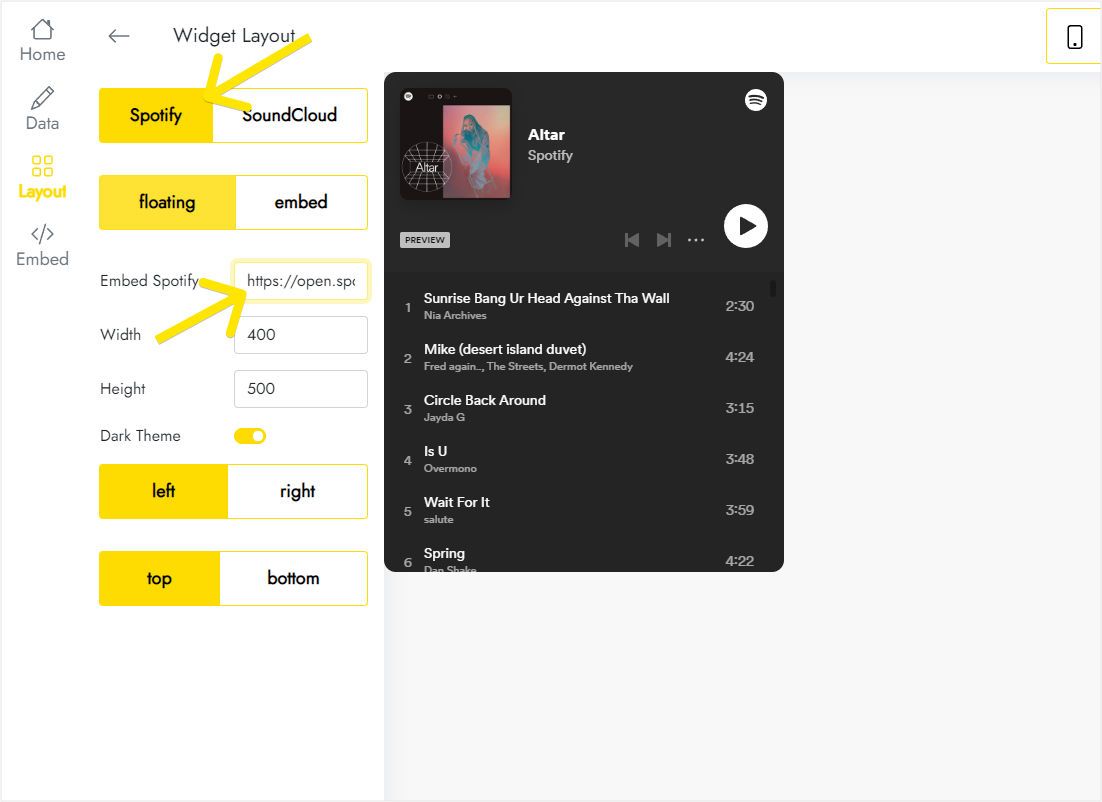
On Layout, select Spotify or SoundCloud and paste the playlist URL. The screenshot shows floating mode, which GoDaddy’s code box cannot pin to the window.
-
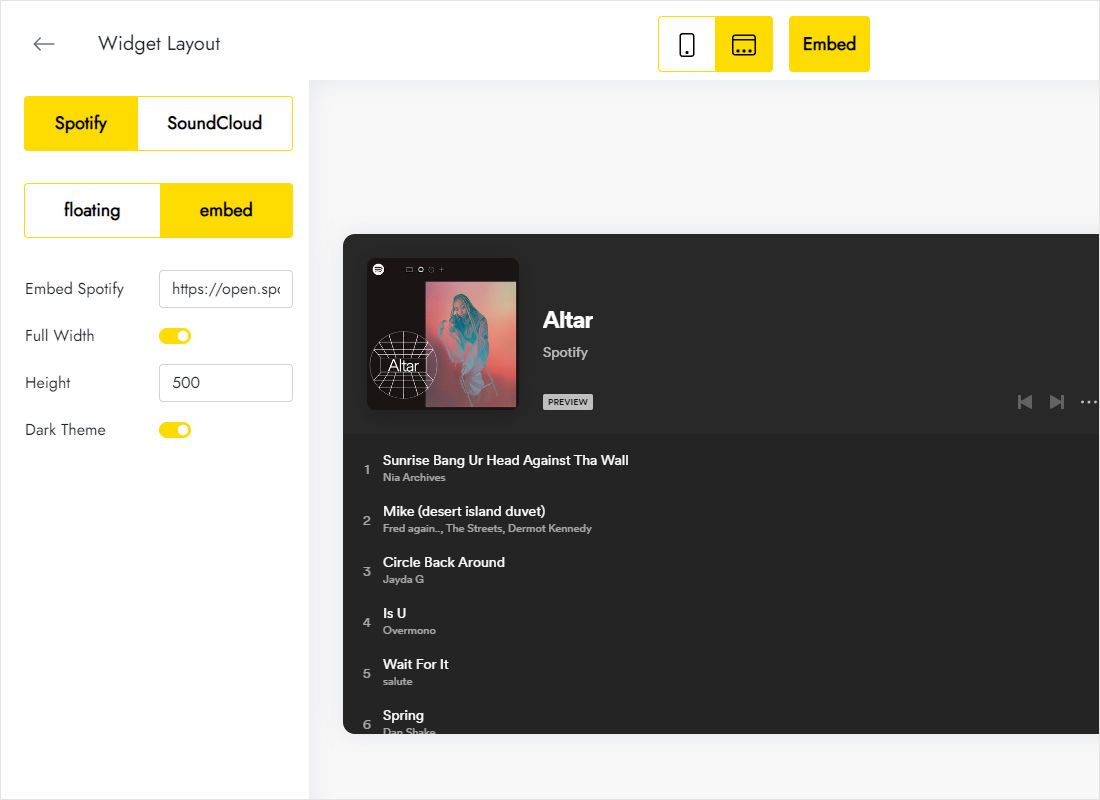
So switch to embed, leave Full Width enabled and set a height that matches the HTML section you will create.
-
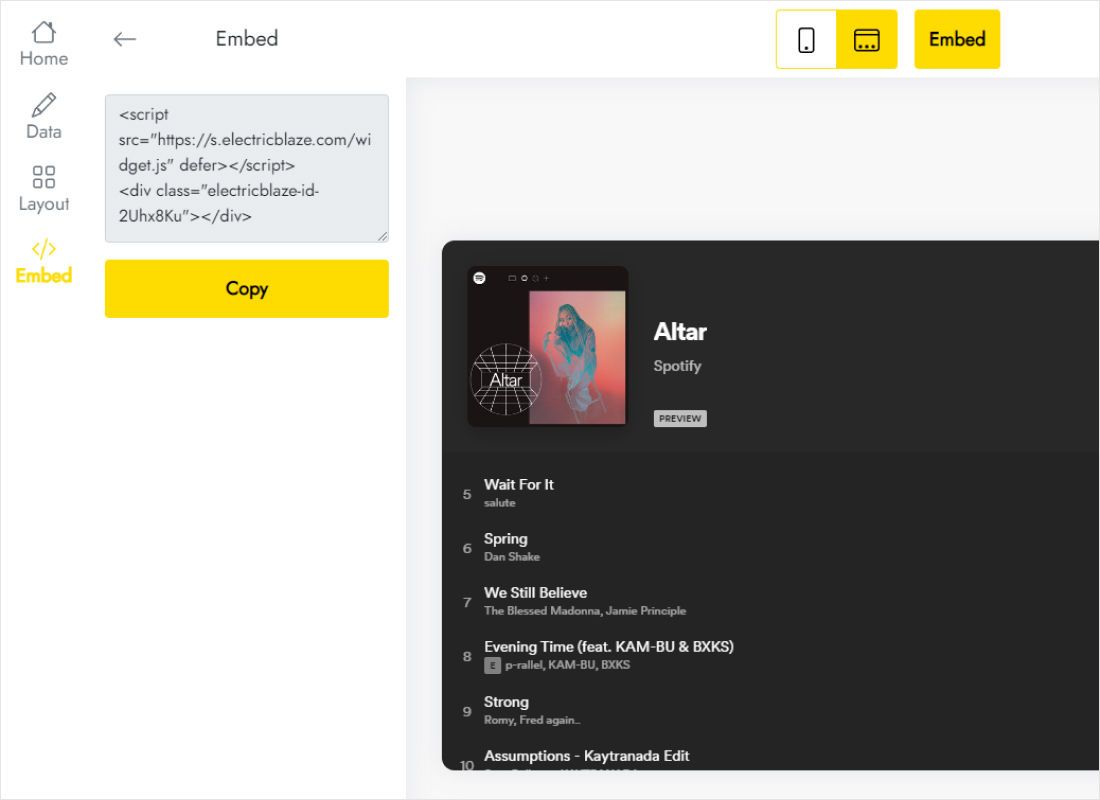
Use Add to website to reveal the code and copy it in full.
Step 2: Place it inside a GoDaddy section
Continue in the site editor:
- Choose Add Section at the spot where listening makes sense, for example straight after a new release announcement.
- Search the section library for HTML and insert it.
- Drop the copied code into Custom Code.
- Should Preview clip the bottom edge, set Forced Height a little above the height chosen in ElectricBlaze.
- Preview a final time, then publish.
Want the same tracks on another page? Repeat the HTML section there, since W+M has no area for code that loads everywhere.
Why embed mode suits GoDaddy
Floating mode is built to hover in a corner of the browser window. Here, however, custom code runs inside the section’s iframe, so a floating bar can only move within that frame and may end up cropped or invisible. Embed mode sidesteps this: the widget becomes an ordinary block with a height you control.
- Height. One track fits in a short block; a playlist deserves more room so several songs are visible.
- Position. Keep the block near the words that introduce it instead of tucking it into a footer.
- Several releases. Make one widget per album or playlist; the Free plan allows five, mixed freely with feeds and other site widgets.
Chrome, Safari and similar browsers allow audible playback only after a visitor interacts with the page, and autoplay inside frames is restricted even further. The music starts when someone presses play.
GoDaddy music player: FAQ
Does music continue when someone opens another page?
No. Each page loads separately and the widget belongs to a section on that page, so playback ends when a visitor navigates away.
The lower part of the widget is hidden. How do I fix it?
Increase Forced Height in the HTML section, or reduce the height on the Layout tab so the two values agree.
Can I change the playlist later?
Yes. Put new Spotify or SoundCloud code into the widget editor; what you pasted into GoDaddy stays exactly as it is.
Is there a free GoDaddy audio player option?
ElectricBlaze Free covers this widget with a thousand views every month. Start, $5 monthly on annual billing, lifts the cap and hides the branding.
More help for GoDaddy
Instructions for other widgets on this builder, the platform overview and the audio widget page:
Make a player for GoDaddy
Bring your Spotify or SoundCloud link, keep embed mode on and copy the finished snippet.
Create a widget