
How to Add TikTok Feed to Webflow
Short vertical clips can animate an otherwise static landing page. Below: the way to add TikTok feed to Webflow using ElectricBlaze, plus layout moves that stop tall 9:16 thumbnails from swallowing the section.
You will need
- A TikTok login for the account whose clips should appear.
- ElectricBlaze access; start on the Free tier.
- A project where Code Embed can be saved, meaning an active Site plan or a Core, Growth, Agency or Freelancer Workspace.
Prepare the TikTok widget
Look at the portrait video feed overview for every option. Basic flow:
-

Visit a.electricblaze.com, then log in or open an account at no cost.
-
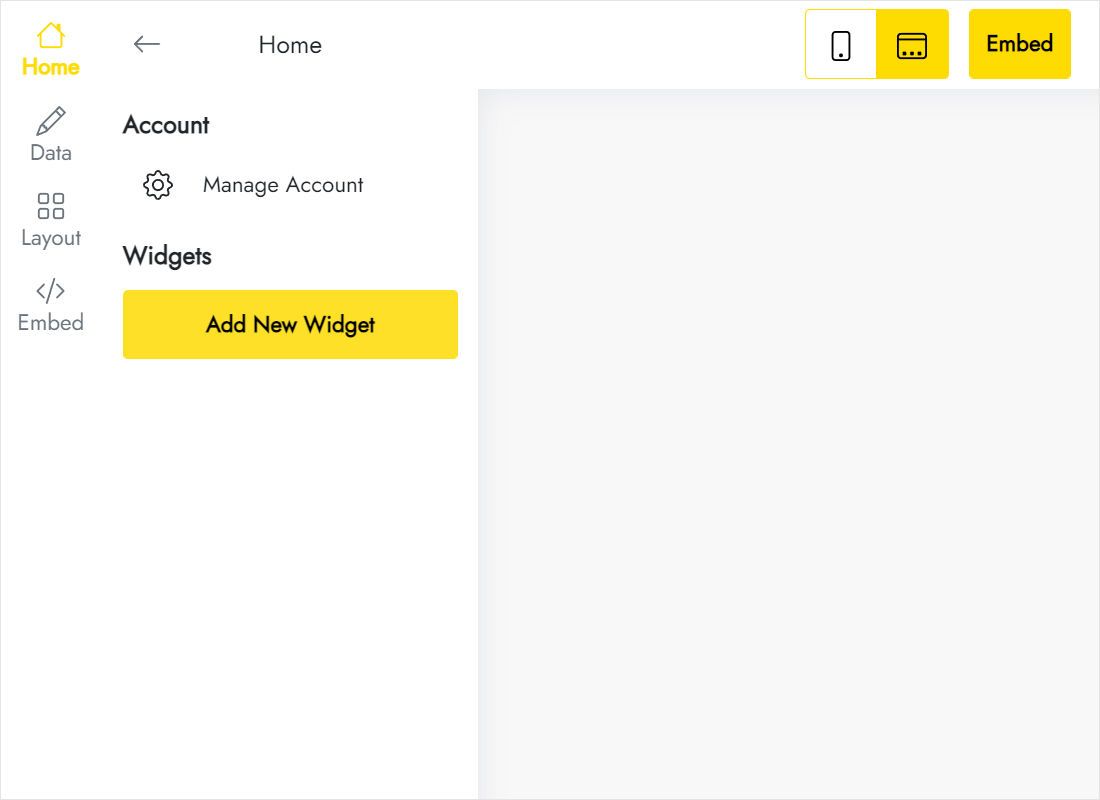
Tap Create New Widget and select TikTok Feed.
-
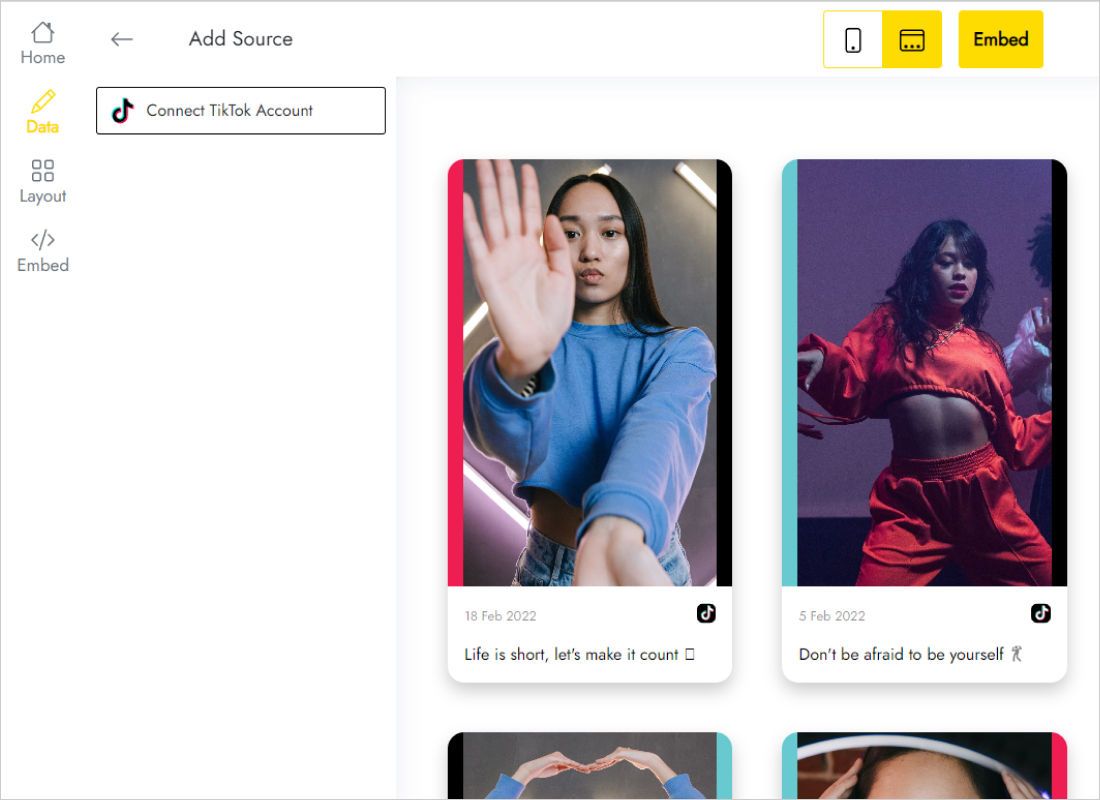
Inside Data, run Connect TikTok Account and grant access.
-
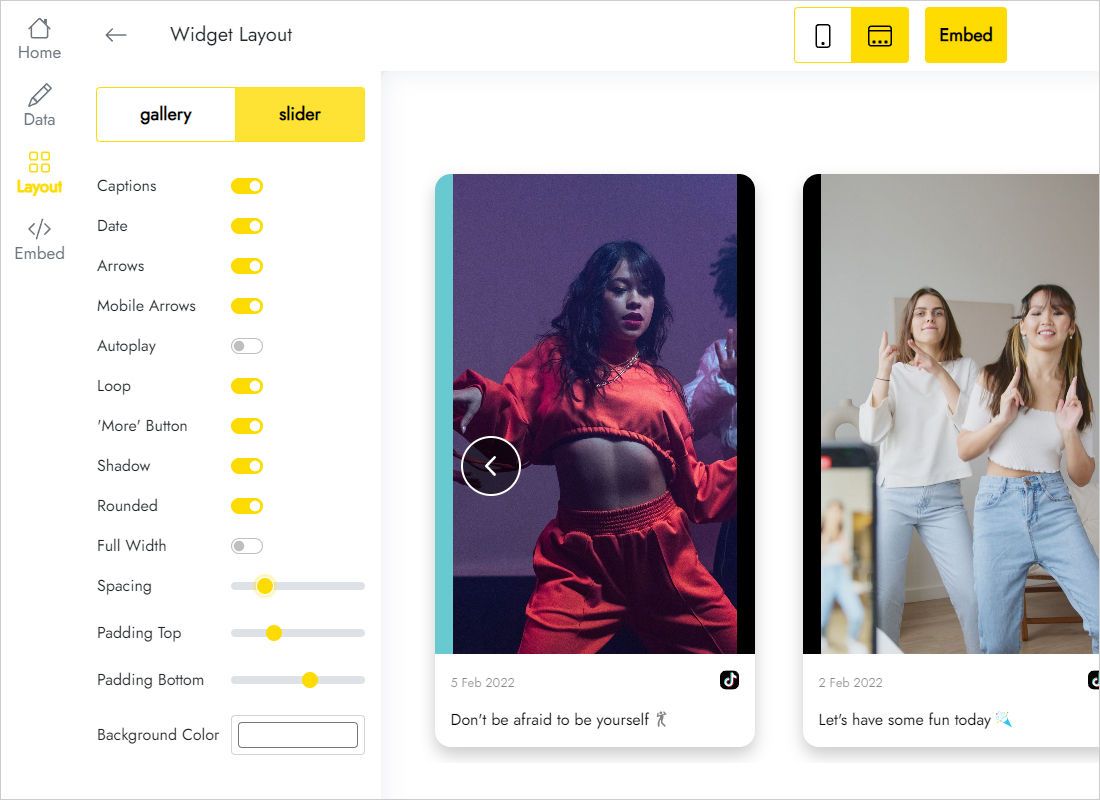
Inside Layout, settle on gallery versus slider, the column and row count and the spacing between clips.
-
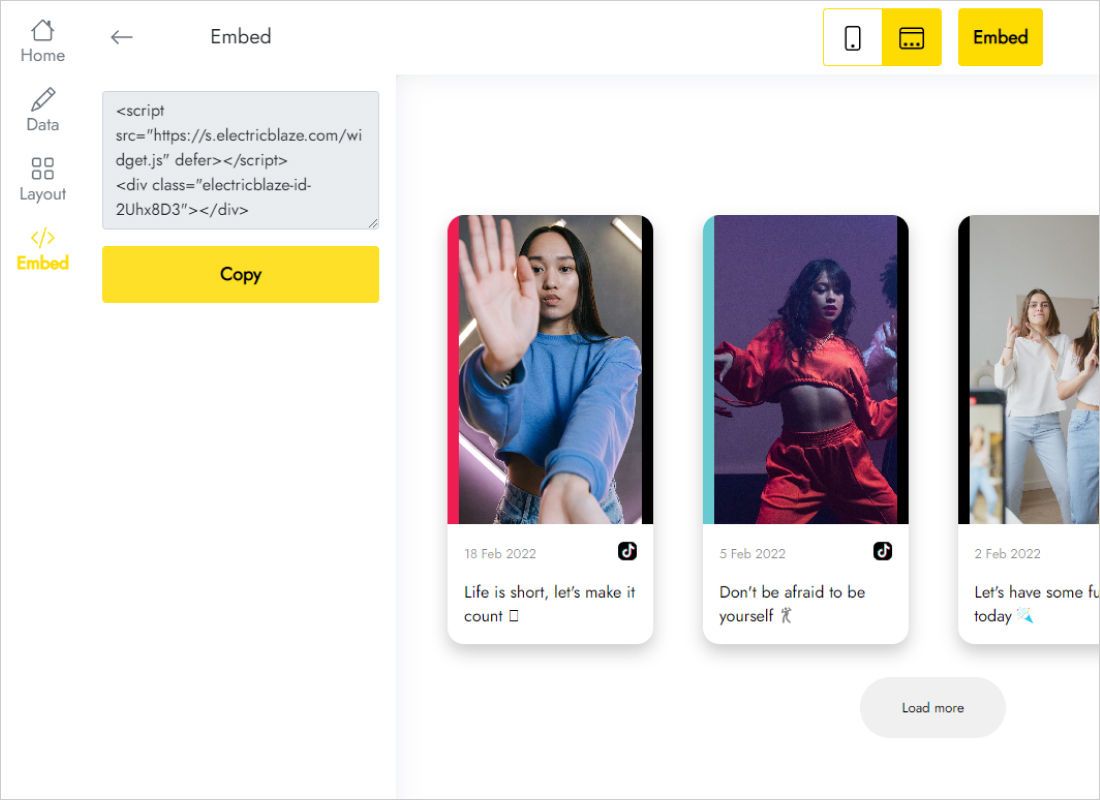
Add to website reveals the snippet.
Embed the clips in your page
Open the Designer on the page meant for the videos.
- Choose an empty div, or add a fresh Section with generous top and bottom padding so the clips do not crowd neighbouring blocks.
- In Add → Advanced grab Code Embed and drop it there.
- Insert the TikTok code, then Save & Close.
- Width 100% on the embed; inside a flex row also give it a flex-basis so it cannot collapse.
- Publish and play one clip on the live URL.
Only a placeholder shows on the canvas. Clips load once the page runs in preview or goes live.
Designing around vertical video
Portrait thumbnails stand almost twice as tall as they are wide, so a grid that feels balanced with square Instagram photos can drag a TikTok section far down the page.
- Slider for hero areas. A single row of clips keeps section height predictable next to a headline.
- More columns, fewer rows. Four or five slim columns in one row stay compact on desktop.
- Tablet and phone. Breakpoints inherit desktop styles, while the widget adapts its own columns. Check Mobile Portrait and add a max-height only if the block grows too long.
- Dark sections. A transparent or matching widget background lets thumbnails blend into a dark band.
Fresh uploads reach the site after each refresh, daily on Free and hourly on Start, with no republishing.
TikTok videos on Webflow: FAQ
Can I test the layout before going live?
Yes. The widget editor previews your real clips, and nothing reaches the site until you paste the code and publish.
Why won't my Starter project save the code?
Code Embed requires a Site plan or a qualifying Workspace. Upgrade the project, then paste again.
Can the videos sit on a CMS Collection page?
Yes. Add the Code Embed to the template, or insert it through a rich text field in one item.
Other guides
Browse the rest of the instructions for this builder or read the TikTok widget overview:
Build a TikTok feed
Link TikTok, grab the snippet, place it in a Code Embed. Free tier included.
Create a widget