
How to Add TikTok Feed to BigCommerce
Unboxing clips, quick demos and try-on videos answer questions that product photos cannot. Follow this guide to add TikTok feed to BigCommerce with ElectricBlaze and place the videos where they help shoppers decide.
Before you connect
- The brand's TikTok login, or someone who can approve access on that account.
- A Stencil storefront using Page Builder.
- ElectricBlaze access; start on the free tier.
TikTok videos are vertical, so they need more height than an Instagram photo grid. Plan for a slider on product pages and save multi-row layouts for a dedicated video or community page.
Step 1: Link TikTok to a new widget
Slider and caption features are summarised in the short-video widget rundown. Here is the order of screens:
-
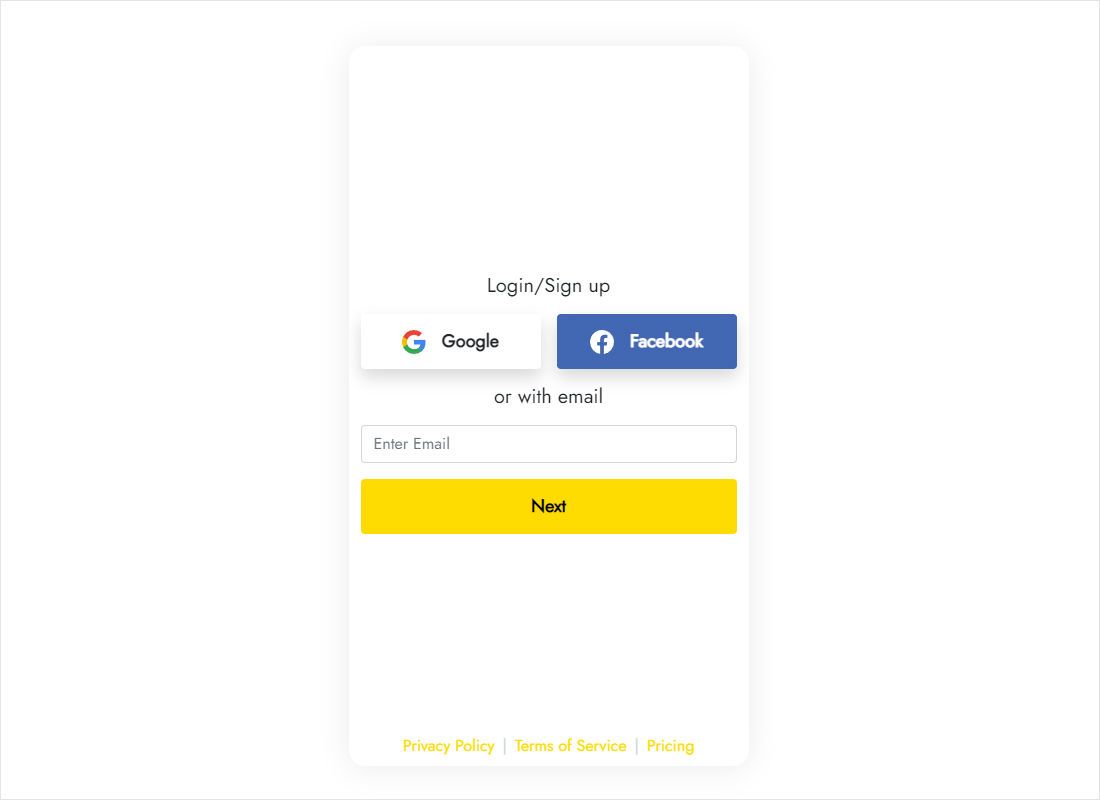
Open the app at a.electricblaze.com; returning users log in, others sign up.
-
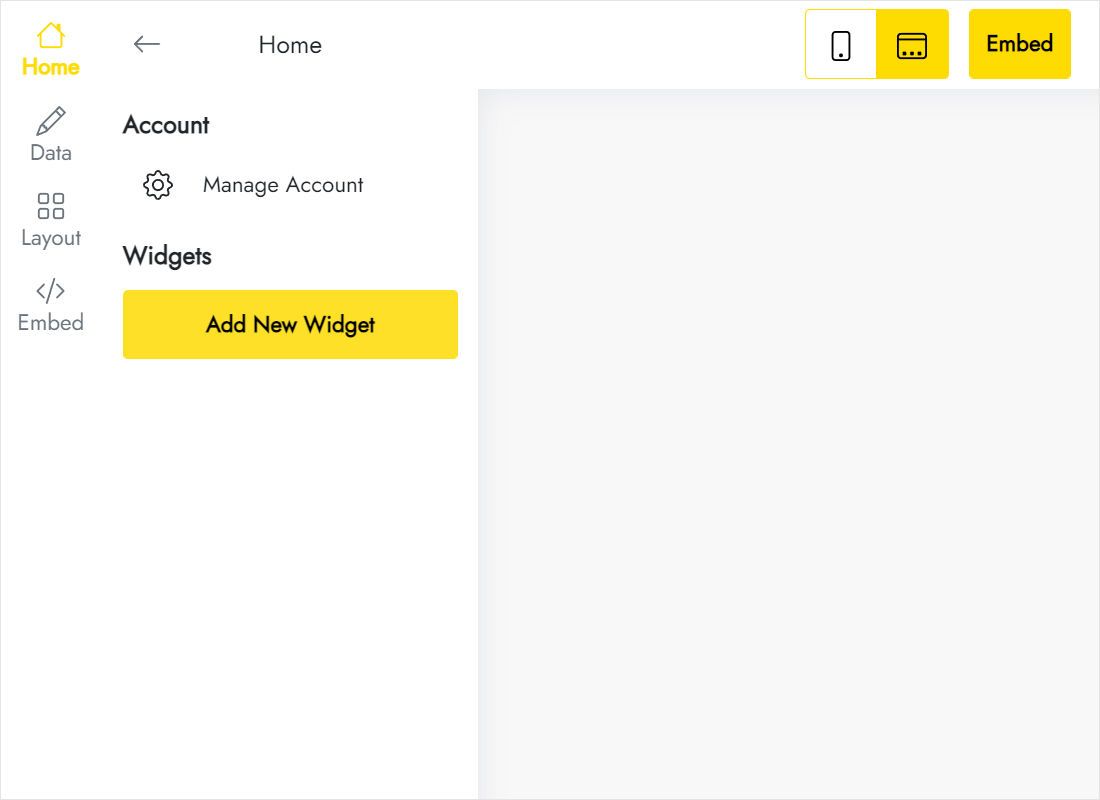
Start a widget and select the TikTok Feed type.
-
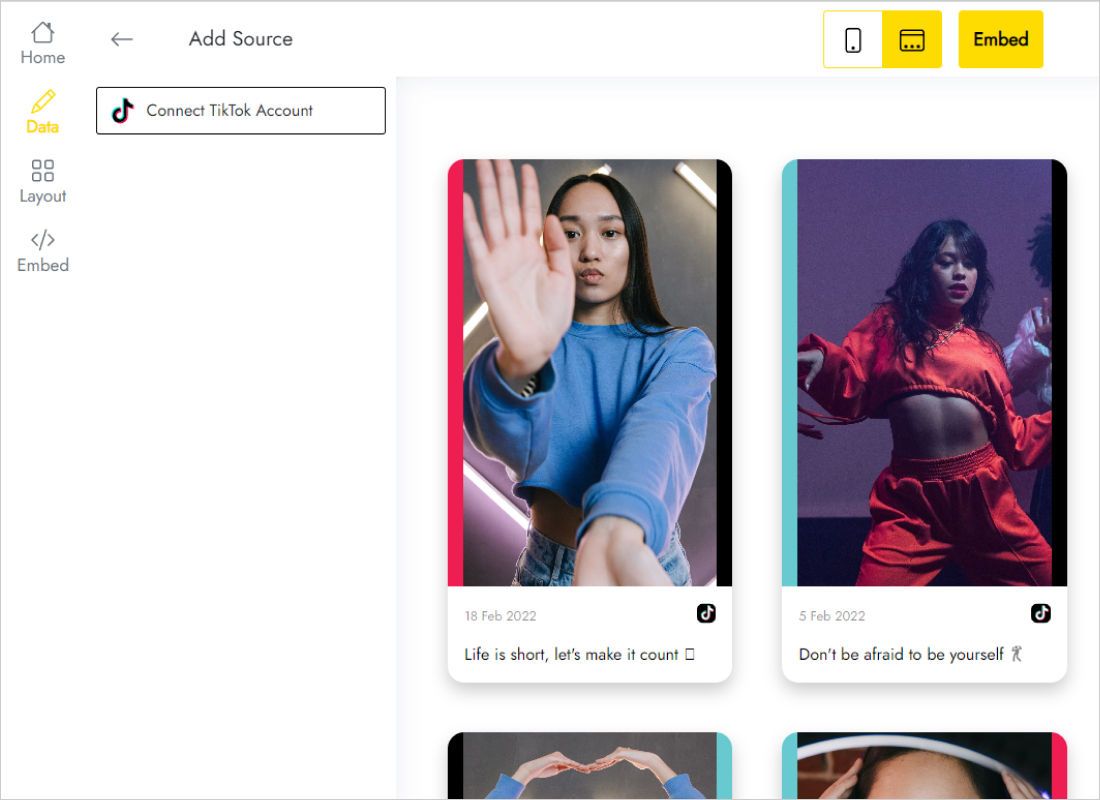
Press Connect TikTok Account on the Data tab and approve the brand account.
-
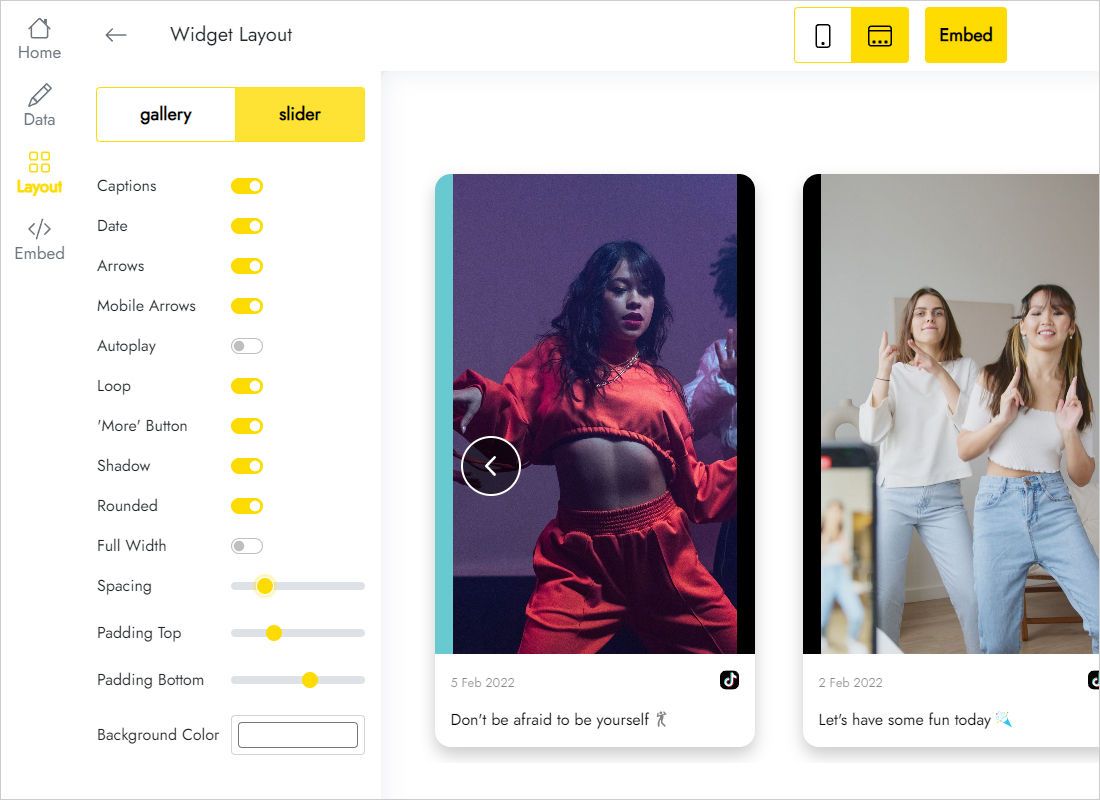
On Layout choose a slider for product pages, turn captions off if they are mostly hashtags, and set spacing.
-
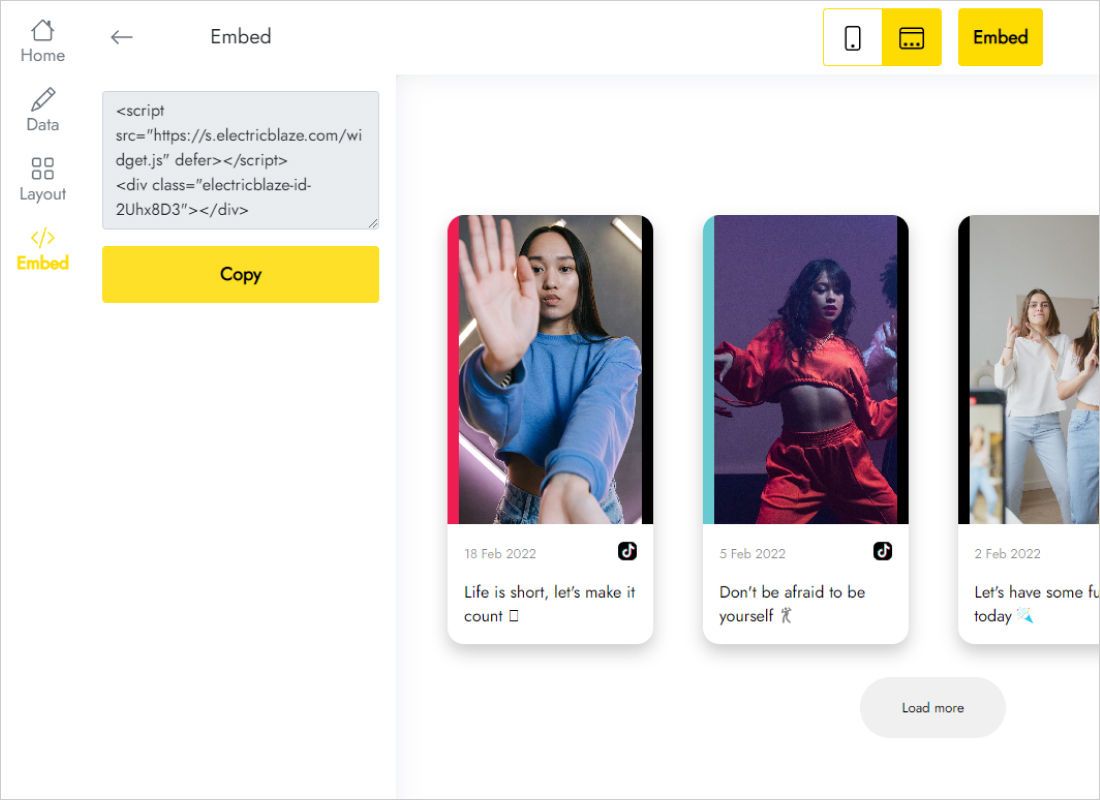
Copy the snippet revealed by Add to website.
Step 2: Place the clips with Page Builder
Back in the BigCommerce admin:
- In the Storefront section, click Customize to enter Page Builder.
- Navigate to the product, category or home page you want to enrich.
- Drag the HTML widget below the product details or into another region.
- Paste the TikTok code, save the block and click Publish.
- Check the live page on a phone as well as on desktop.
Page Builder may render script blocks as empty frames. The videos load on the published storefront.
Using short videos to support sales
Place clips close to the decision but not above it. Below the description or reviews, a slider shows several videos in one row and leaves the price and Add to Cart button in the first screen.
- Home page: a full-width slider works as a moving lookbook between banners.
- Category landing pages: one row of how-to clips above the footer helps shoppers compare items.
- Global regions: put the block in one to repeat the same videos on every product.
- Mobile: vertical cards are tall on phones; keep it to a single row.
Clips you upload later show up at the next refresh (Start checks hourly, Free once a day), so a fresh demo reaches the store without editing BigCommerce.
TikTok videos in BigCommerce: FAQ
Can I show a different TikTok feed per product?
Yes, if your theme offers regions that apply to a single product: create a separate widget for each and place it there. Every widget counts toward your plan's limit.
Do the videos slow down the product page?
The loader script is deferred, so the page draws first and the videos load afterwards.
Can the feed show on checkout?
No. Page Builder does not cover checkout pages.
How many widgets can I use for free?
Five, sharing a thousand monthly views. The Start plan, $5 a month on annual billing, has no view ceiling.
Continue with BigCommerce guides
More widgets for the store, the BigCommerce setup guide and the TikTok widget overview:
Bring your TikTok videos to the store
Connect the account, choose a slider and place it under your products.
Create a widget