
HTML Instagram Feed Without API Code
An HTML Instagram feed normally means tokens, API calls and caching logic. Here a hosted social widget handles all of that, and you only paste a snippet into your page where the photo grid should appear.
Options for showing Instagram on a coded site
Instagram lets you embed one post at a time from its menu, which gives a blockquote plus a script for that single post. Useful in an article, tedious for a gallery. Writing your own integration means registering a Meta app, refreshing access tokens and storing images, which is a lot of work for a portfolio or small business site.
The widget sits in between: a ready HTML code to embed Instagram feed posts that updates itself. You need:
- An Instagram Creator or Business account. Personal accounts can no longer be connected by outside apps.
- Access to edit your site files.
- An ElectricBlaze account, Free or Start.
Step 1: Configure the Instagram widget
Every layout setting is shown in the catalogue of grid and slider settings.
-
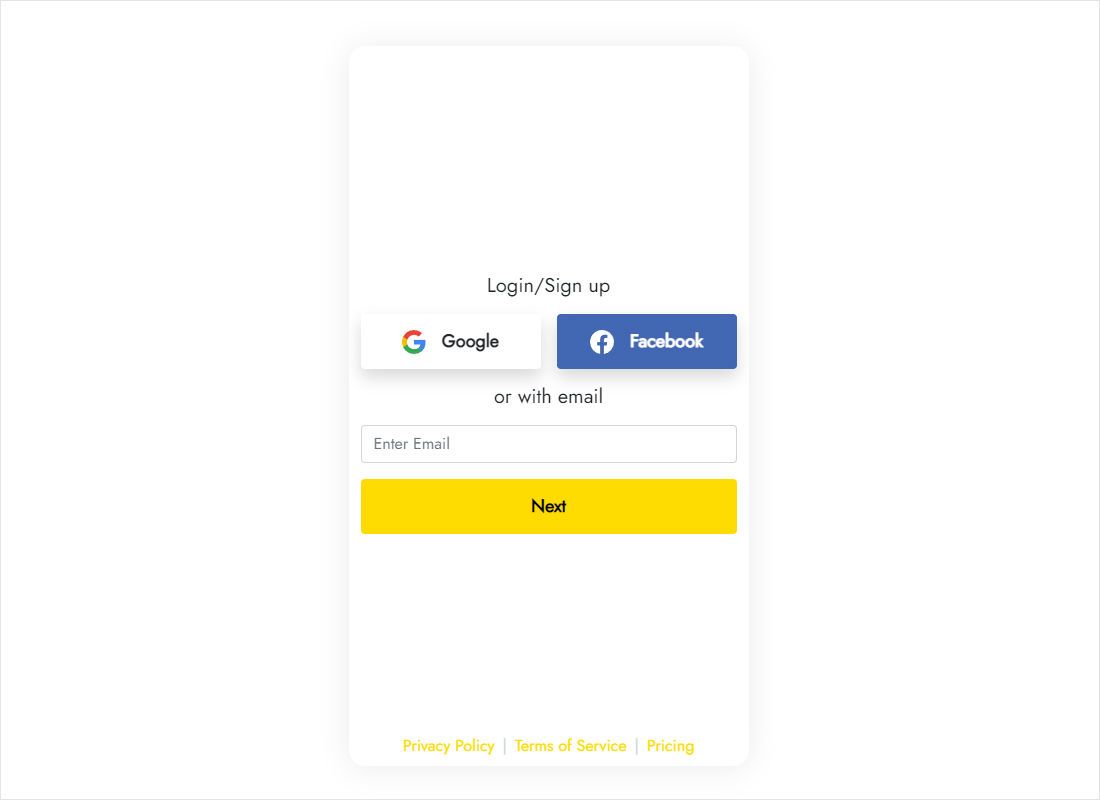
Sign in to a.electricblaze.com; creating an account is free.
-
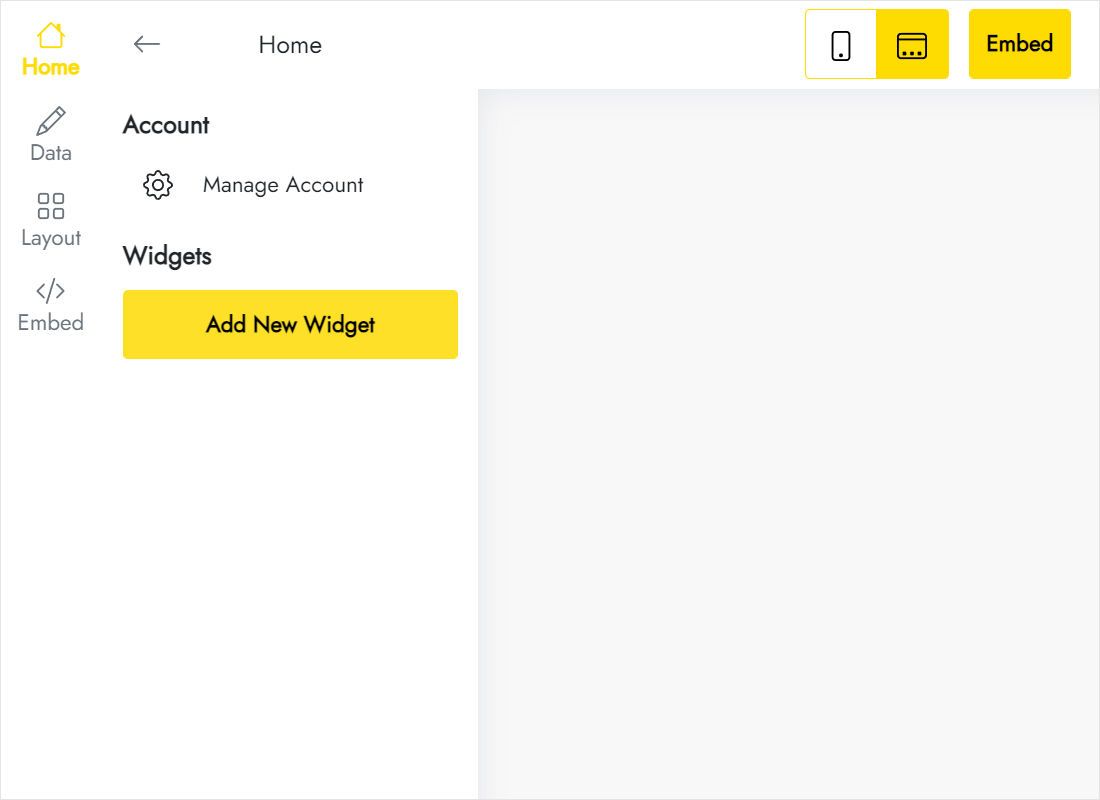
Choose Create New Widget, then the Instagram Feed type.
-
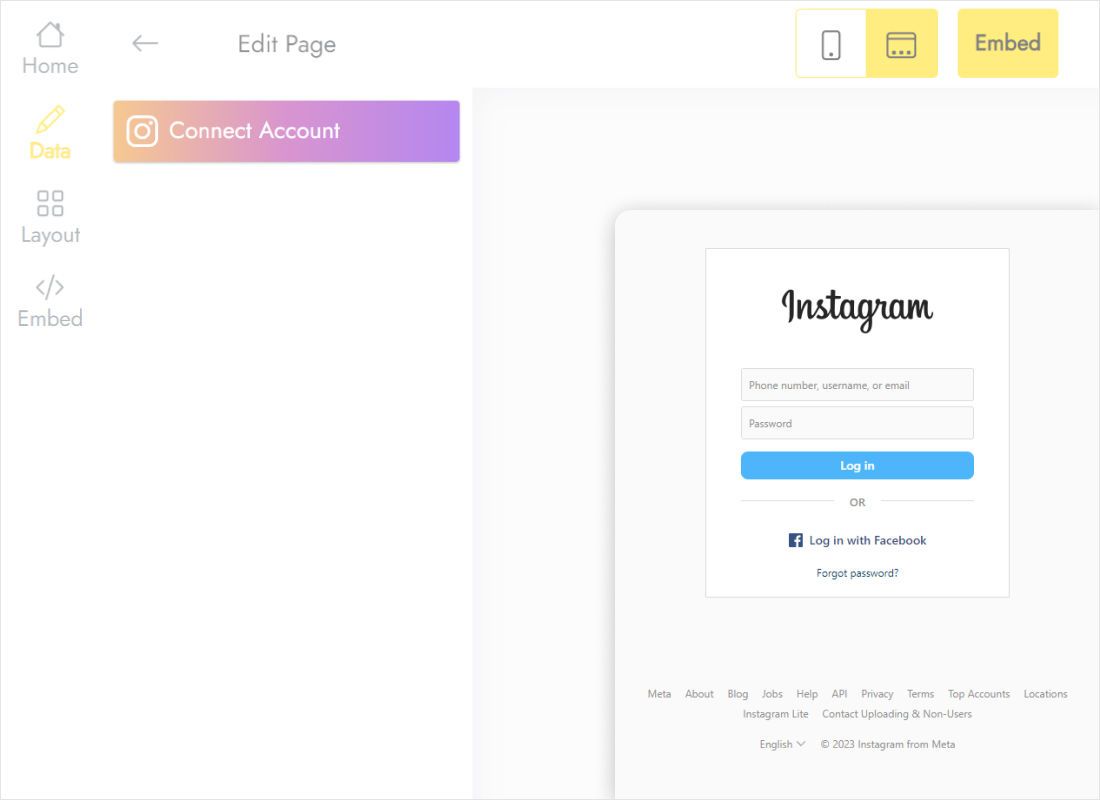
Open Data and use Connect Account to authorise the professional profile.
-
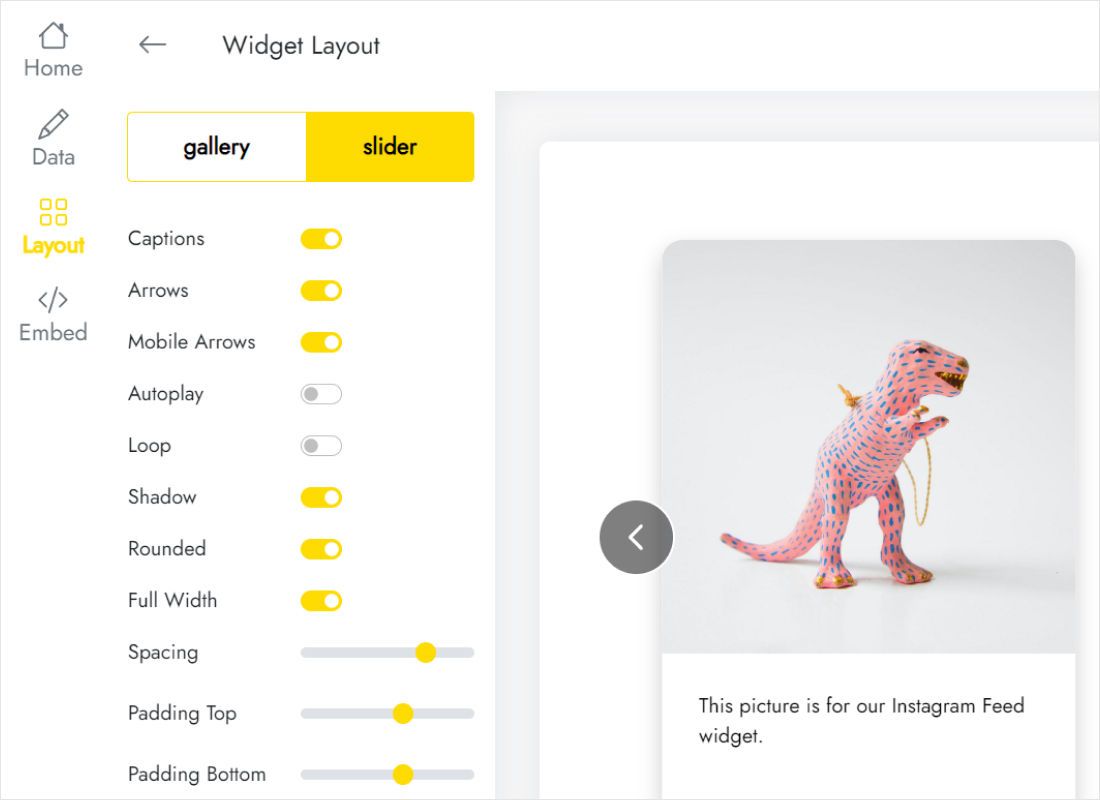
On Layout pick gallery or slider and set columns, rows, caption visibility and gaps.
-
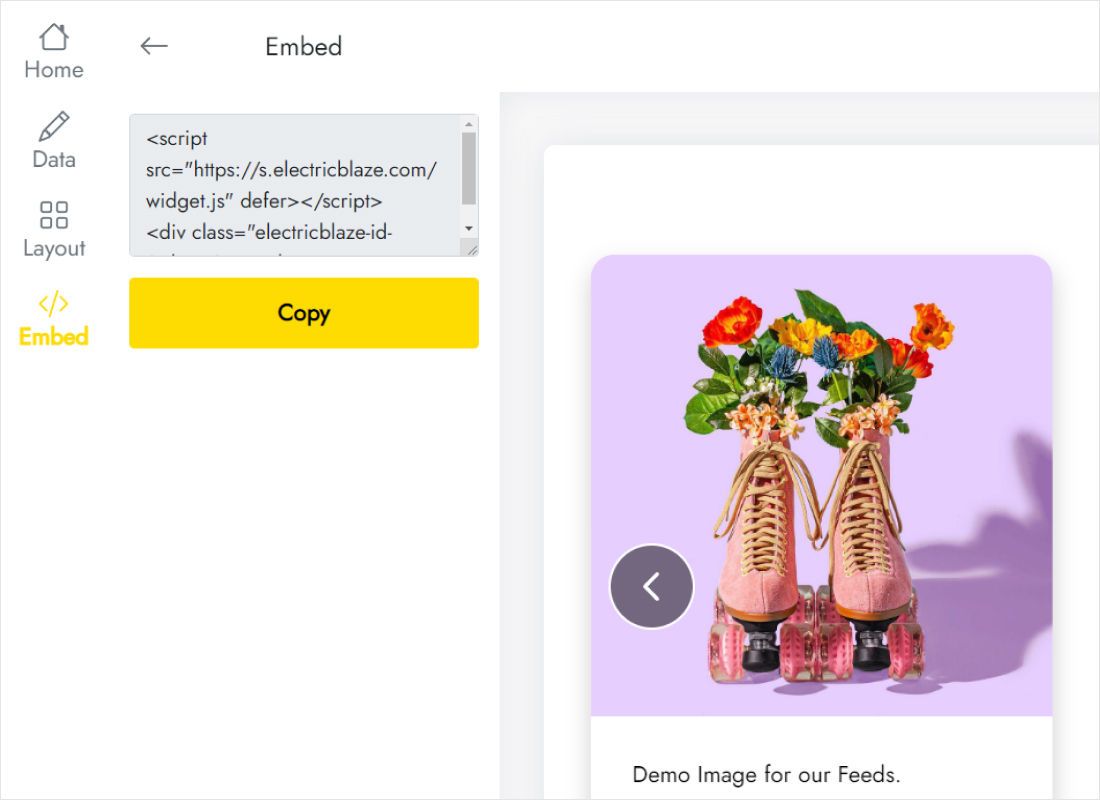
In the Add to website dialog, copy the snippet.
Step 2: Add Instagram feed to website HTML
This is how to add Instagram feed in HTML website files:
- Open the page, say index.html or gallery.html, in your editor.
- Place the snippet inside the section that should hold the photos, for example below a heading like “Follow us”.
- Check that the parent is not set to a fixed height or hidden overflow.
- Upload or deploy the file, then open the page with the cache cleared.
- Test at phone width in developer tools to see how the columns respond.
Using a template engine or includes? Add the code to the partial so every page that renders that section shows the gallery.
Fitting the gallery to your layout
Photos are square or portrait, so the number of columns decides both thumbnail size and page height.
- Landing page band: Full Width on, one row, slider mode. Visitors swipe on touch screens.
- Portfolio page: three or four columns, several rows, captions off for a clean grid.
- Blog sidebar: two columns and a narrow container.
Wrap the snippet in a container with a max-width and side padding that matches your other sections, so the gallery edges line up with your text. Posts refresh automatically (daily on Free, hourly on Start); there is no rebuild or redeploy when you publish a new photo.
A photographer’s one-page site, for example, can drop the gallery between the About text and the contact form; the grid proves recent work without maintaining a separate portfolio folder.
Instagram on HTML sites: FAQ
How to add Instagram in HTML if I only need an icon link?
An icon linking to your profile needs no widget: a normal link with an SVG or icon font does it. Use the feed when you want the actual photos on the page.
Is the Instagram feed HTML code free?
Yes, on the Free plan with up to 1,000 views a month. Start removes the view limit and refreshes hourly.
Does it work with React or Vue?
Yes. Render the snippet in a component that stays mounted, and retest after route changes, since single-page apps do not reload scripts on navigation.
Can I style the photos with my CSS?
Spacing, captions and colours are set in the Layout tab. Your own CSS controls the surrounding container.
Related
The general guide for coded sites, the Instagram widget overview and other widgets:
Add your photos to any HTML page
Connect the account, copy the code and paste. The Free plan covers smaller sites.
Create a widget